Create a quiz from any PDF in minutes.
StudyKit turns PDFs into fast AI summaries and quiz questions so you can test yourself quickly.
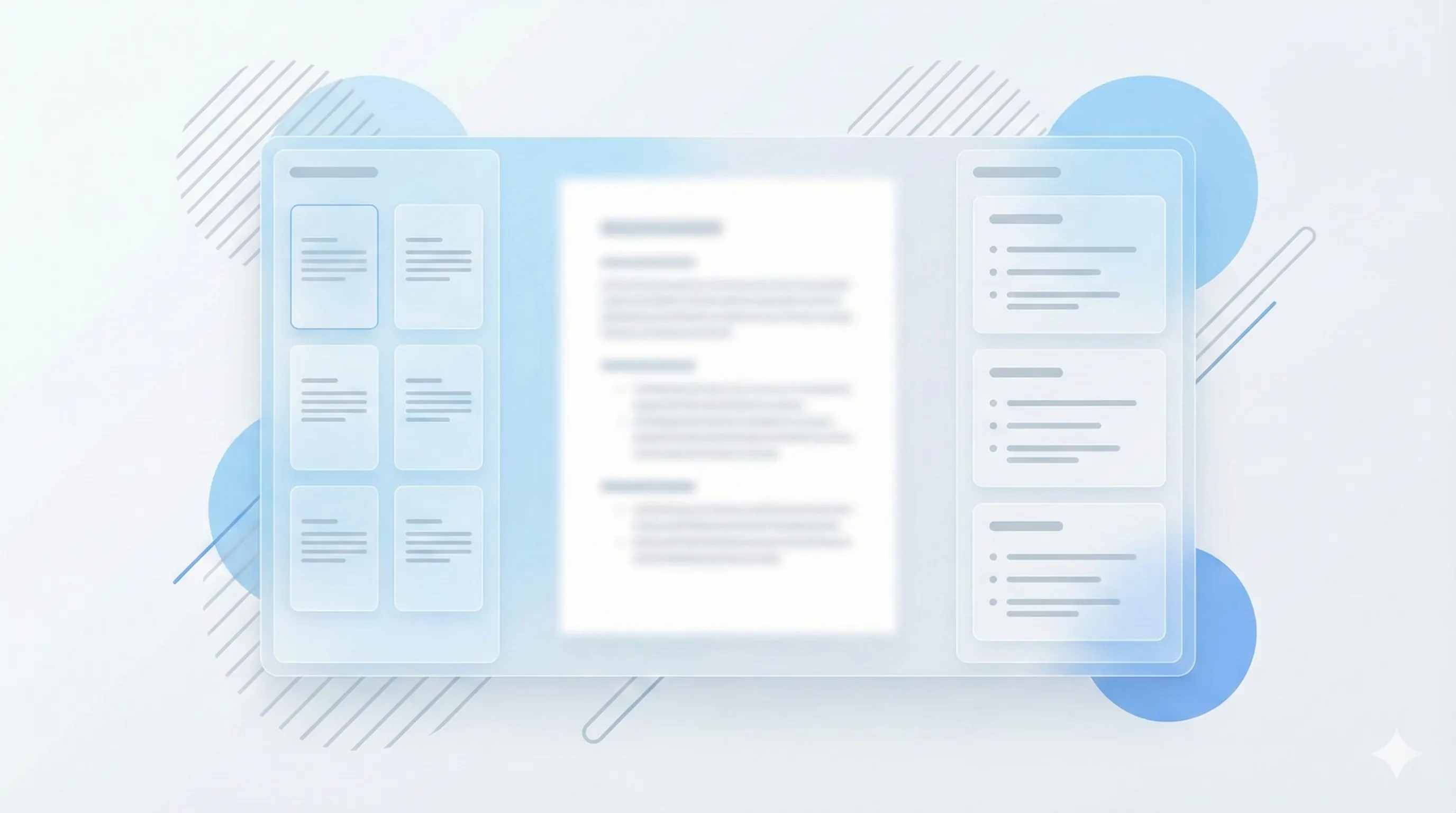
Three steps, clear outcomes.
Upload your PDF
StudyKit extracts the text and finds key concepts.
Generate questions
Get a balanced quiz with answers and explanations.
Review and export
Use Markdown or PDF exports for study sessions.
Visual-first study workflows.
Balanced question sets
Mix multiple choice and short answer for stronger recall.
Generate a quiz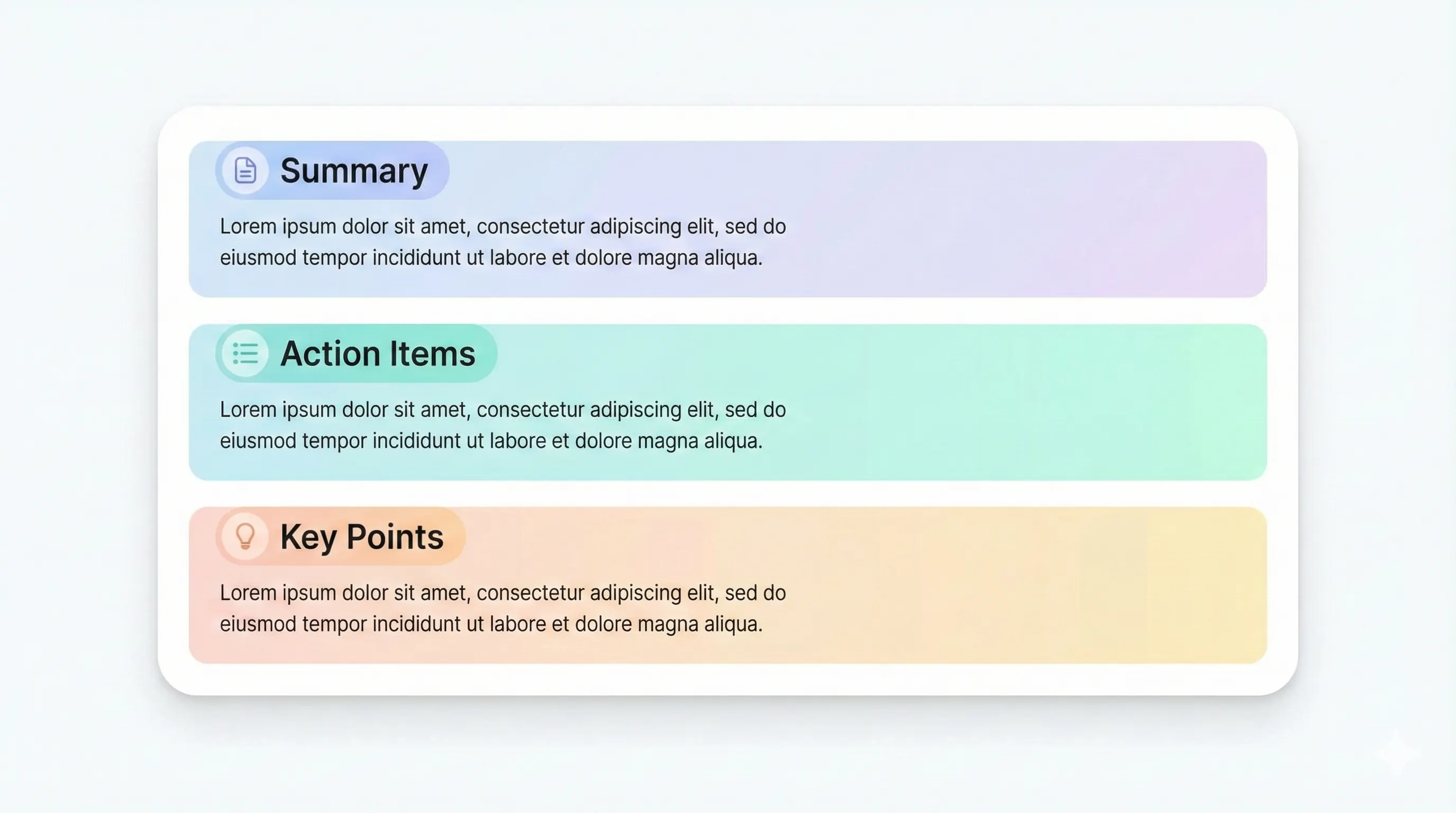
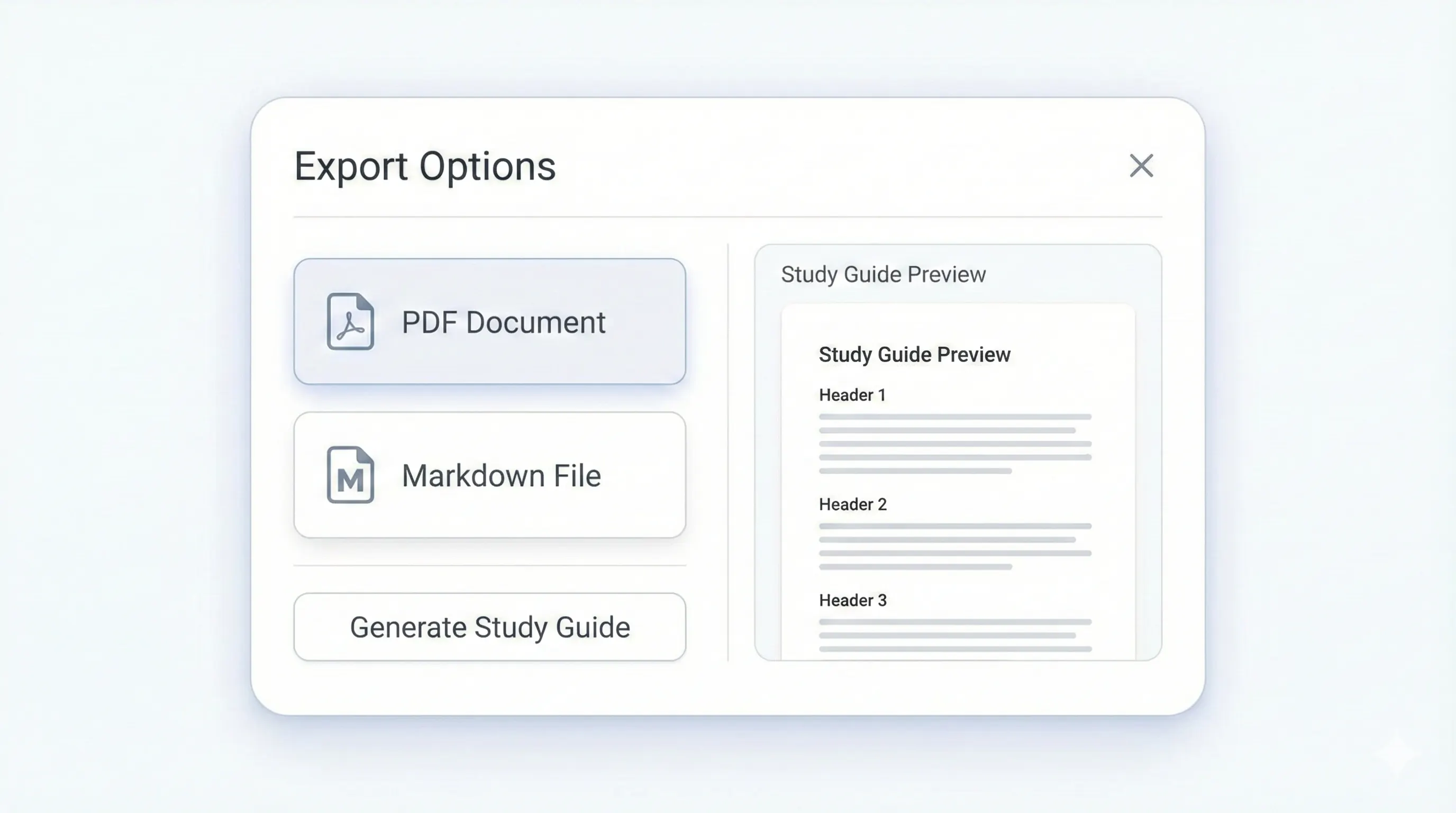
Your study kit, ready to export.
Each output is structured for quick review: headings, terms, and practice questions.
Compare plansQuick checks for major concepts.
Explain key ideas in your own words.
Clear solutions for every question.
Optional rationale to reinforce learning.
Quizzes are the fastest way to check what you actually remember. StudyKit turns your PDF into a fast AI summary and a balanced set of questions so you can test yourself without writing prompts by hand. You get a mix of multiple choice and short answer that reflects the key ideas in the source material.
Because the quiz is generated from your document, it stays aligned with your chapters, lecture readings, or handouts. That makes it easier to focus on the exact concepts that matter for your class instead of generic practice.
Explanations are included when available, which helps you correct misunderstandings on the spot. This turns the quiz into a learning tool, not just a score.
Export the quiz to Markdown on Free, or unlock PDF exports on Basic and Pro for print-ready practice sets. You can also combine the quiz with a study guide or notes from the same upload for a full review workflow.
Preview a sample output in seconds.
No upload needed. Explore a pre-filled document and see the study guide structure instantly.
Quick answers.
MVP generates a mix of multiple choice and short answer questions.
Yes. Explanations are included when available.
Export to Markdown on Free. Basic and Pro add PDF export.
Yes. Basic and Pro allow multiple outputs per document.
Questions are generated directly from your PDF content and focus on key sections.
Yes. Uploads are private by default and raw files auto-delete after 7 days.