Turn any PDF into a study guide in minutes.
Upload a text-based PDF and get a fast AI summary plus outlines, key terms, and practice questions.
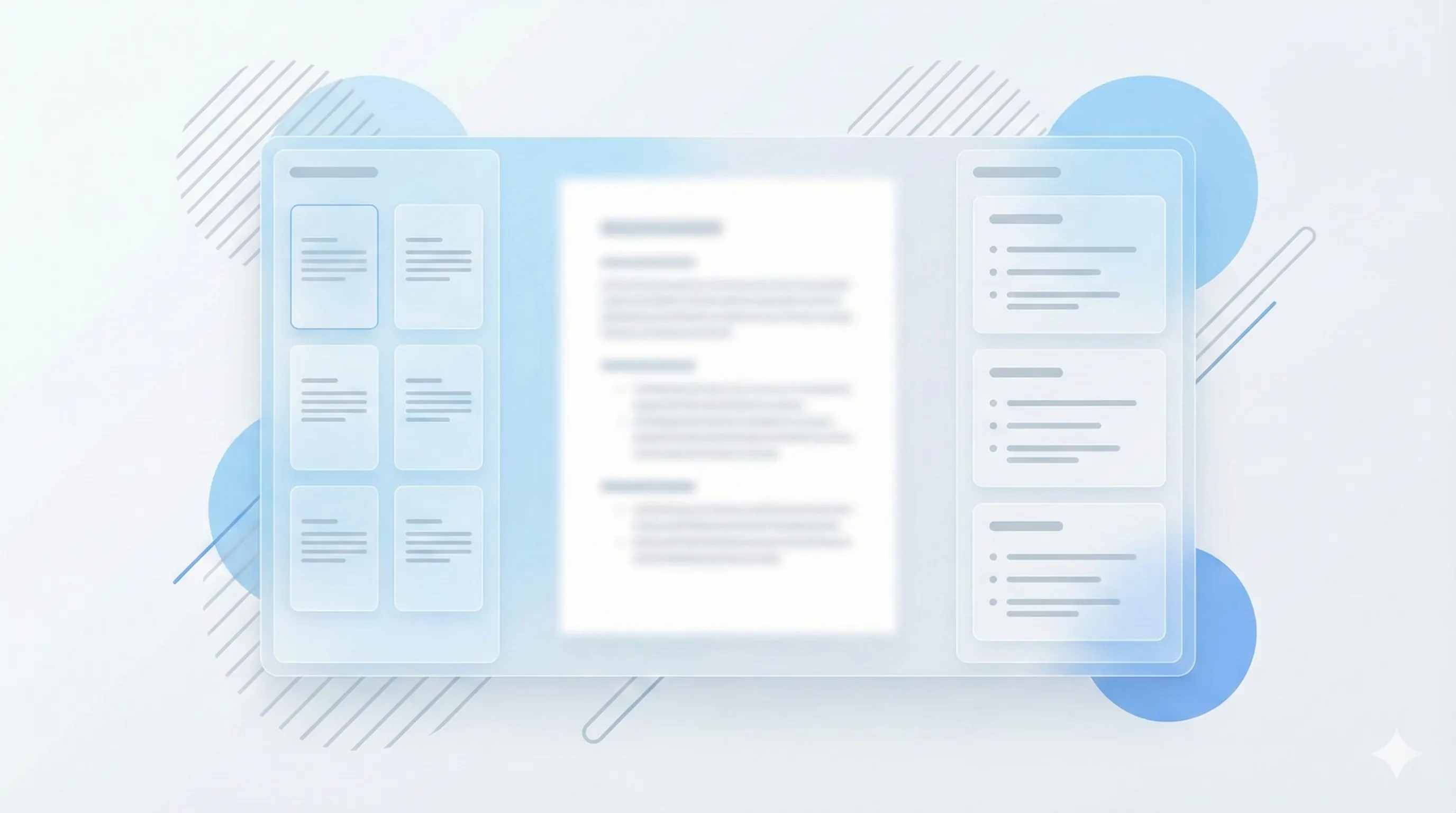
Three steps, clear outcomes.
Upload your PDF
StudyKit extracts clean text and structures it by topic.
Generate the guide
Get outlines, key terms, and summaries in one run.
Practice faster
Export or turn the guide into flashcards and quizzes.
Visual-first study workflows.
See the structure instantly
Study guides keep key points, definitions, and summaries organized for fast review.
Generate a guide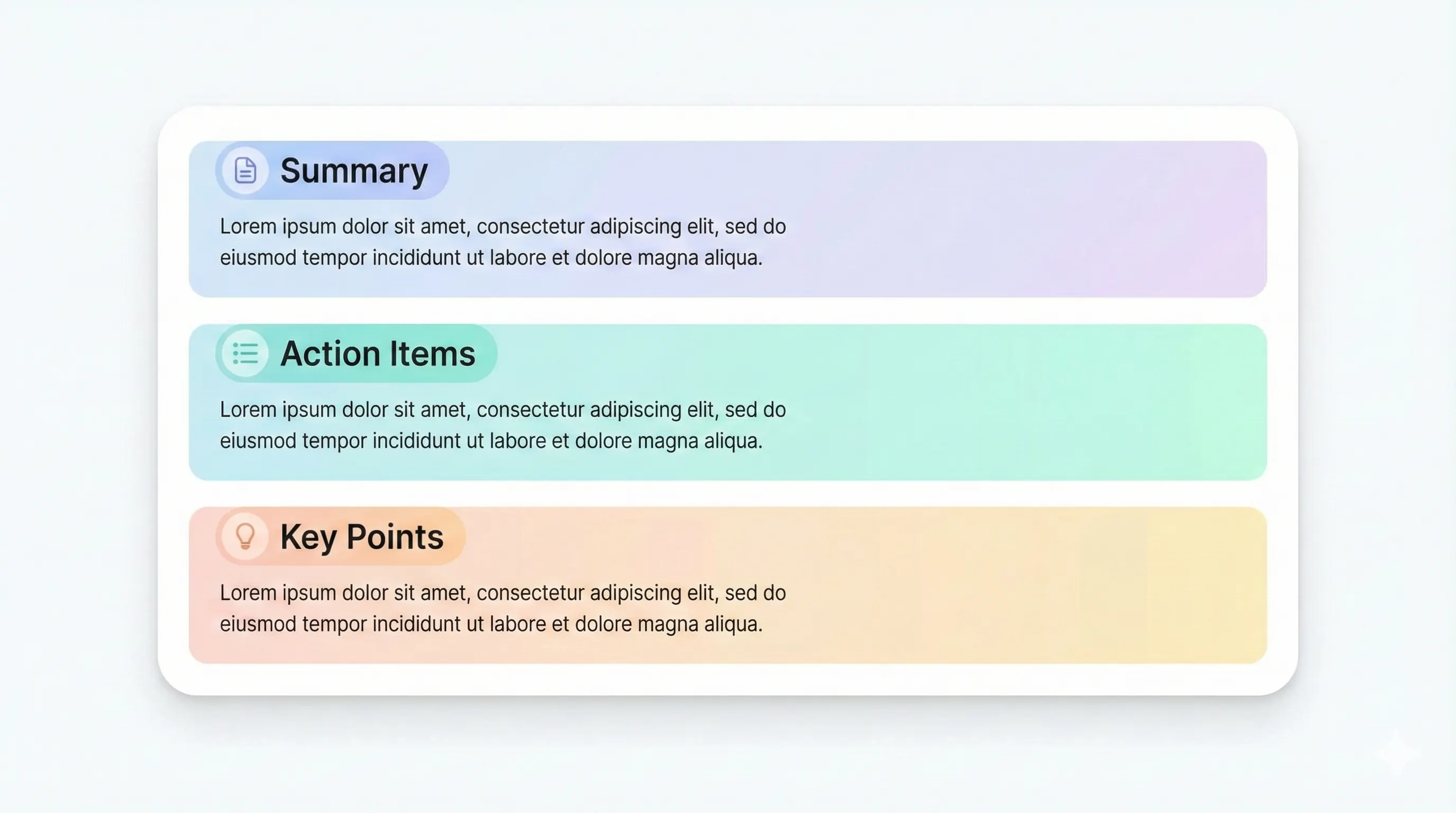
Export to your workflow
Download markdown or PDF and drop the guide into your study system.
See export options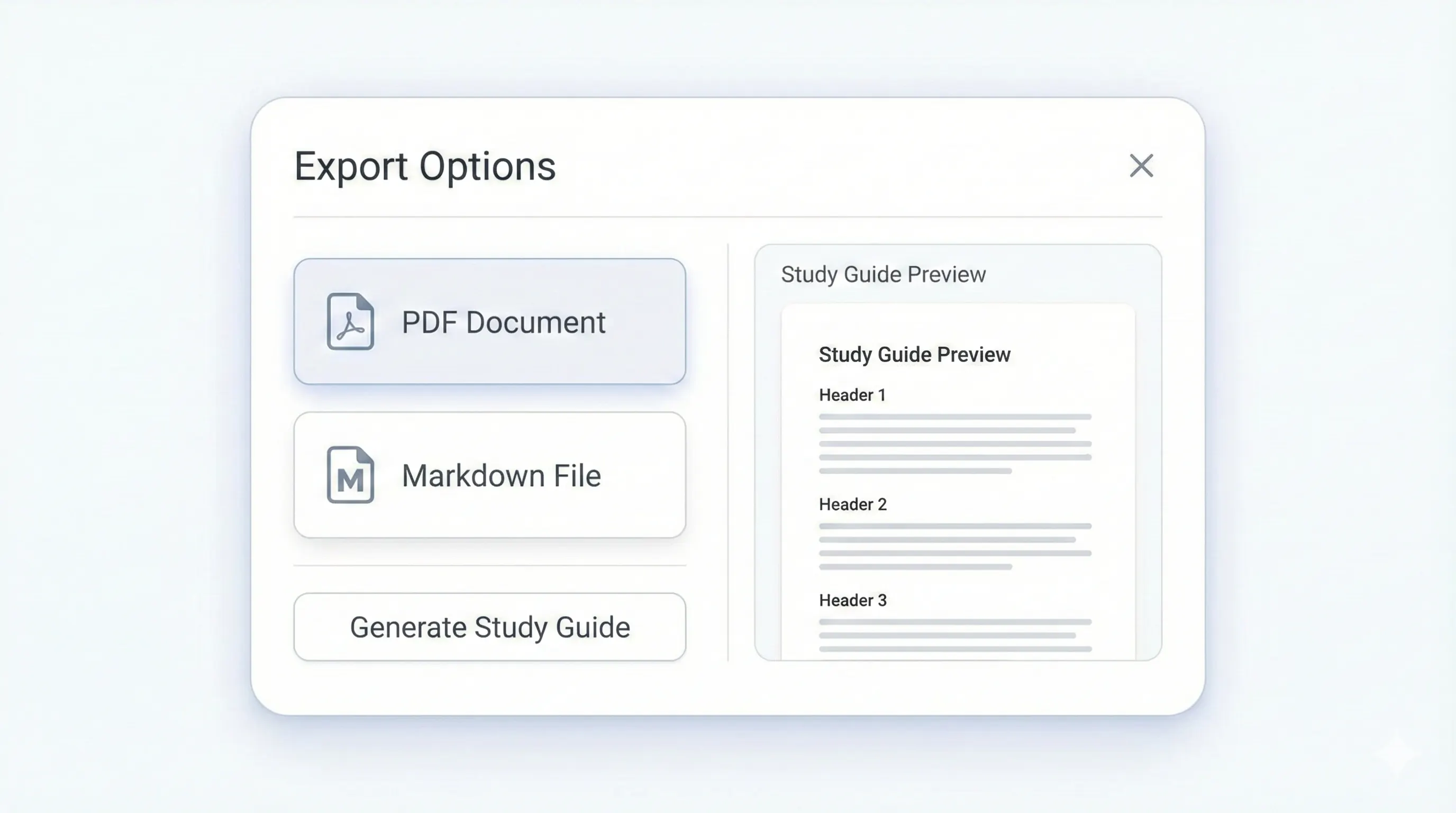
Your study kit, ready to export.
Each output is structured for quick review: headings, terms, and practice questions.
Compare plansTopic-based sections that match the source document.
Definitions and recall prompts for each section.
A final recap to lock in the big ideas.
Short answers plus optional explanations.
PDFs are where most readings and textbook chapters live, but they are painful to review under time pressure. StudyKit turns a text-based PDF into a fast AI summary and a structured study guide that mirrors the original sections, so you can follow the same flow your professor intended. Instead of a flat summary, you get headings, key terms, and short recaps that make the material scannable and easy to revisit.
The guide is optimized for recall. Key terms come with short definitions so you can drill concepts quickly, and practice questions help you test yourself without building a quiz from scratch. The layout is designed to make it obvious what matters, which is what most students need before an exam.
StudyKit supports text-based PDFs today, which means selectable text. If your PDF is scanned or image-only, the system will not parse it yet, but OCR is planned in Phase 2. This keeps the output clean and aligned to the source content you upload.
You can export the guide in Markdown for tools like Notion or Google Docs, and Basic/Pro add PDF export for print-ready study packs. Whether you are studying solo or sharing with a group, the output stays structured so you can pick up the material faster.
Preview a sample output in seconds.
No upload needed. Explore a pre-filled document and see the study guide structure instantly.
Quick answers.
Yes. Basic supports up to 50 pages, Pro supports up to 150 pages. Free is capped at 10 pages.
Not in MVP. OCR for scanned PDFs is planned for Phase 2.
A structured outline, key terms, summaries, and practice questions.
Export to Markdown on Free. Basic and Pro add PDF export.
Yes. The output mirrors your headings and section flow when they are available.
Yes. Uploads are private by default and raw files auto-delete after 7 days.