Generate an AI study guide from your PDFs and slides.
StudyKit turns readings into fast AI summaries and structured guides with outlines, key terms, and practice questions.
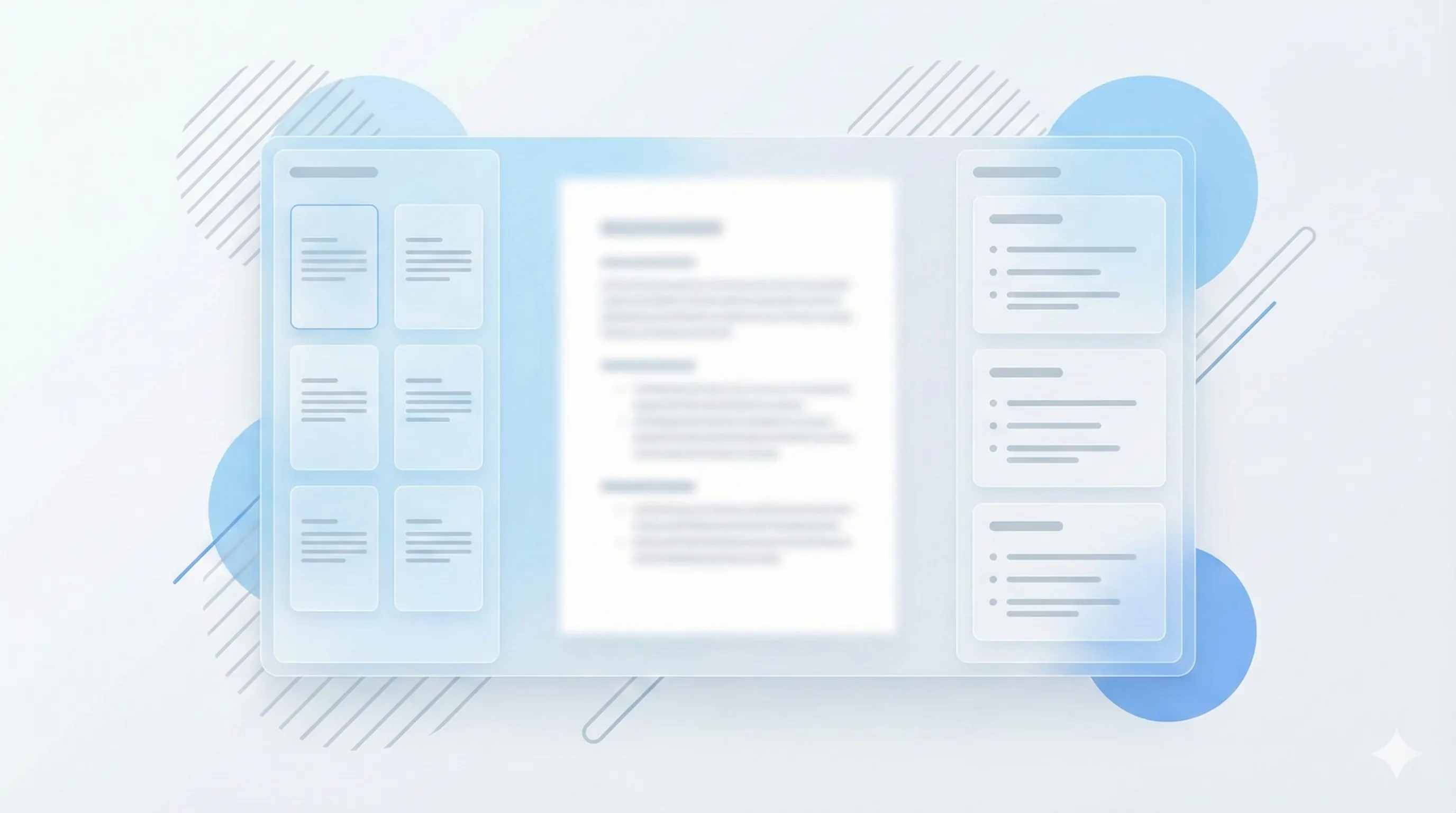
Three steps, clear outcomes.
Upload your file
Drop in a text-based PDF or PPTX slides.
Generate the guide
StudyKit structures the content by topic and importance.
Export and review
Download Markdown or PDF for focused studying.
Visual-first study workflows.
Guides aligned to your source
Stay on the same structure as your slides or textbook instead of a generic outline.
See plan limits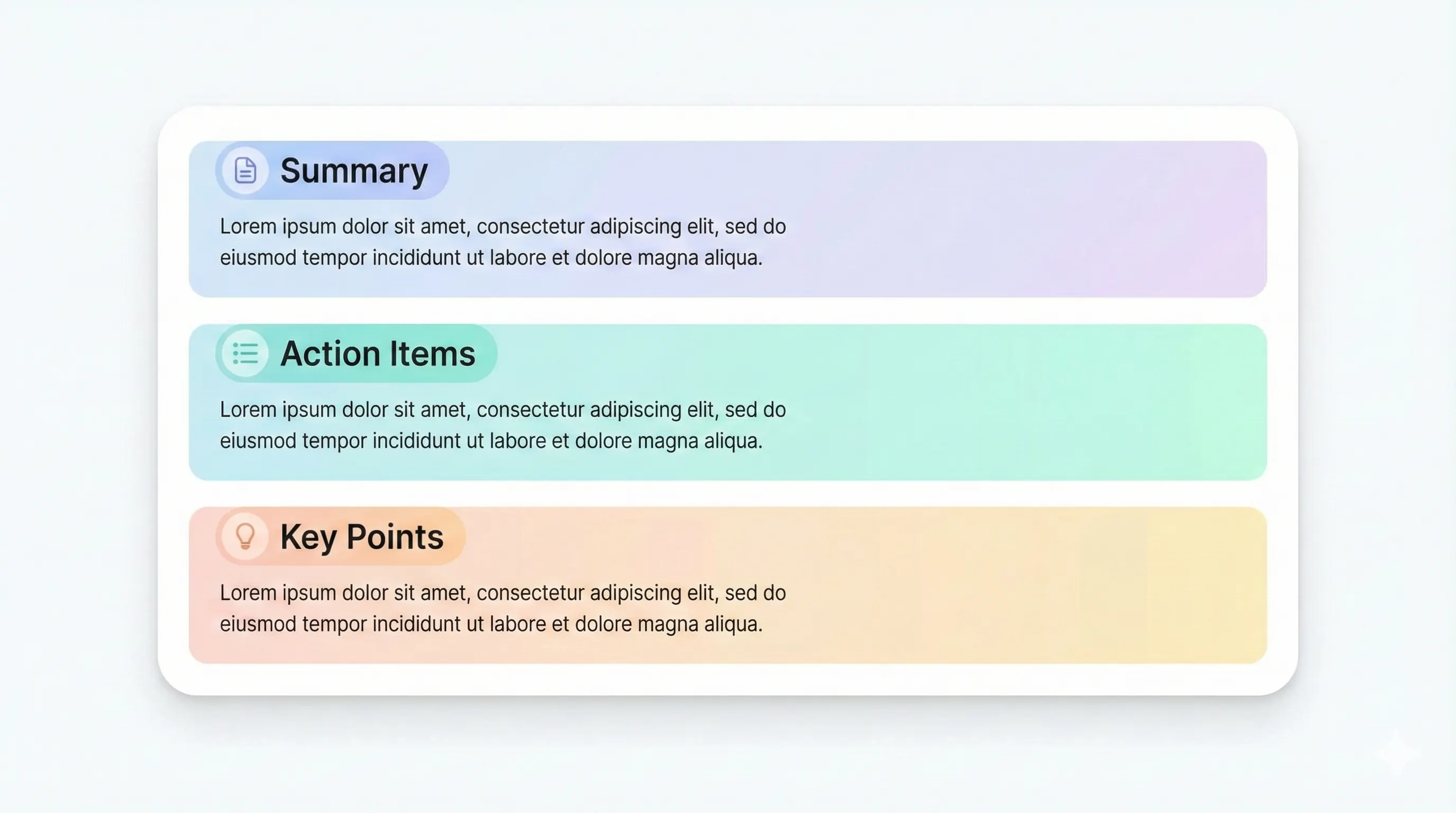
Export-ready study packs
Share with classmates or print a PDF for exam sessions.
Generate a guide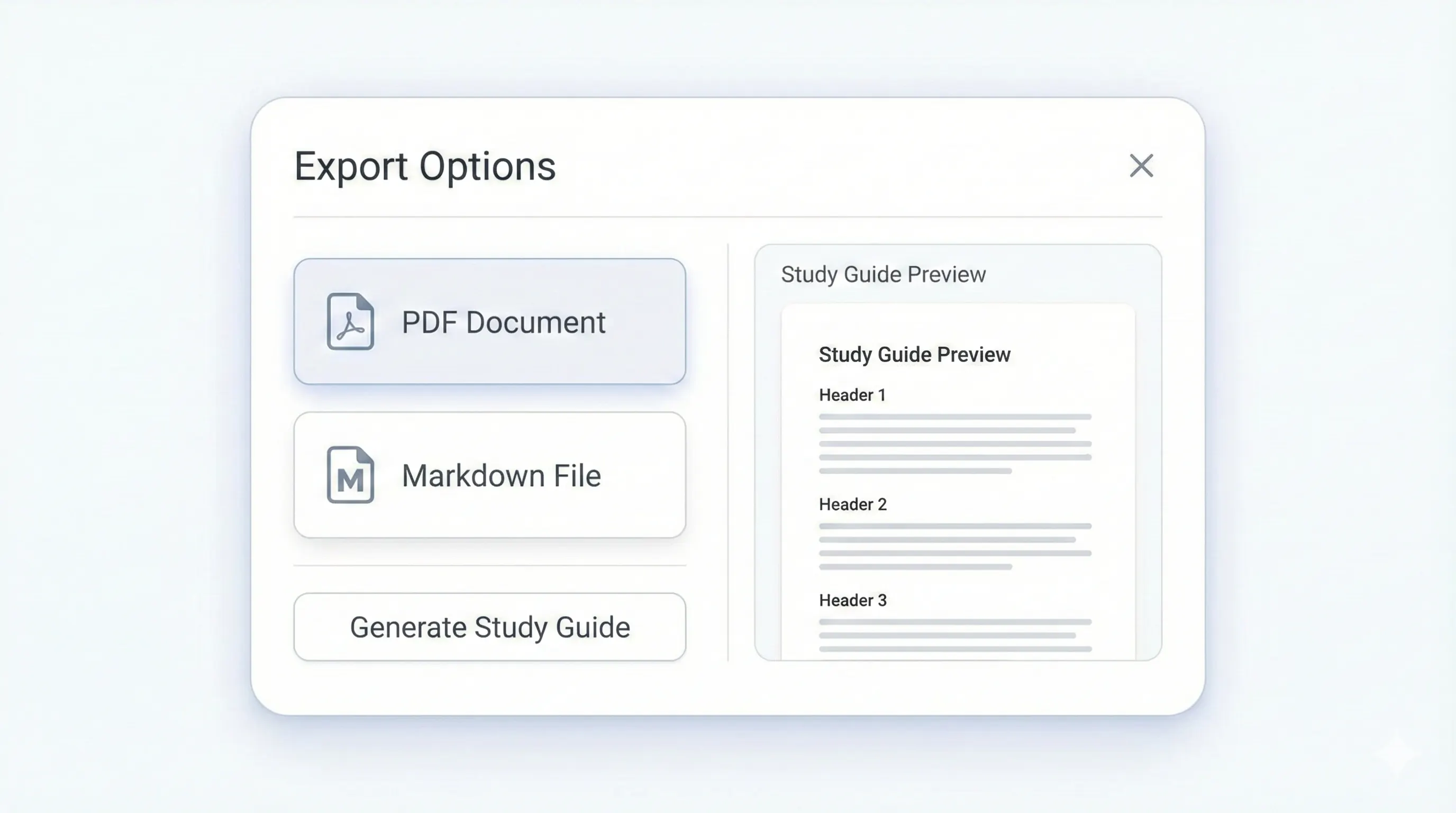
Your study kit, ready to export.
Each output is structured for quick review: headings, terms, and practice questions.
Compare plansA clean hierarchy to organize your reading or lecture.
Definitions you can memorize quickly.
Short section summaries to reinforce core ideas.
Test yourself with recall-focused prompts.
StudyKit is an AI study guide generator built for students who need speed and structure. Instead of dumping a wall of text, it produces a fast AI summary plus a clean outline, key terms, and a recap that matches how you actually review. Upload a PDF reading or a lecture slide deck, and the system extracts the important sections, definitions, and questions you are most likely to see on a test. That means less time formatting and more time understanding how the material connects.
Traditional summaries are too shallow for real study sessions. This generator breaks your content into topic-based sections, then expands each section into study-ready notes. You get a top-level outline to map the lecture, key terms with short definitions for recall, and practice questions to test comprehension. The result is designed for quick scanning before an exam, yet detailed enough to keep context and examples intact. It is a study guide that feels like it belongs to your course, not a generic AI report.
Because StudyKit starts from your source material, the output stays aligned to your professor or textbook. If your slides emphasize a particular model or framework, the guide mirrors that flow instead of inventing new structure. This reduces the usual mismatch between notes and class material. You can also tune the depth of the output depending on your audience, so a high school review guide reads differently from a graduate-level prep sheet.
Export options keep the workflow flexible. Free users can copy or download Markdown for Notion, Obsidian, or Google Docs. Basic and Pro unlock PDF export for print-friendly study packs. You can also run flashcards and quizzes from the same upload when you want more active recall. The goal is to let you move from reading to practice without reformatting anything by hand.
If you need a fast study guide generator that handles PDFs and lecture slides with a clear structure, StudyKit is built for that use case. It is optimized for text-based files today, with OCR planned for scanned documents later. Whether you are preparing for finals or compressing a long reading list, the generator gives you a repeatable workflow and a clean output you can trust.
Preview a sample output in seconds.
No upload needed. Explore a pre-filled document and see the study guide structure instantly.
Quick answers.
StudyKit supports text-based PDFs and PPTX slides in the MVP. Scanned PDFs will need OCR in Phase 2.
A structured outline, key terms with definitions, summaries, and practice questions.
Yes. Free exports to Markdown, and Basic/Pro add PDF export.
You can preview a sample without signing in. Uploads require an account.
Yes. Uploads are private by default and raw files auto-delete after 7 days.
Most text-based PDFs and slides parse and generate in a few minutes.