Create a free study guide from any PDF.
StudyKit turns text-based PDFs into fast AI summaries and structured study guides you can review quickly.
Three steps, clear outcomes.
Upload a PDF
Text-based PDFs parse in minutes.
Generate the guide
StudyKit structures your content.
Export & review
Copy Markdown into your notes.
Visual-first study workflows.
Free does not mean messy
The output stays structured so you can study without reformatting.
Compare plans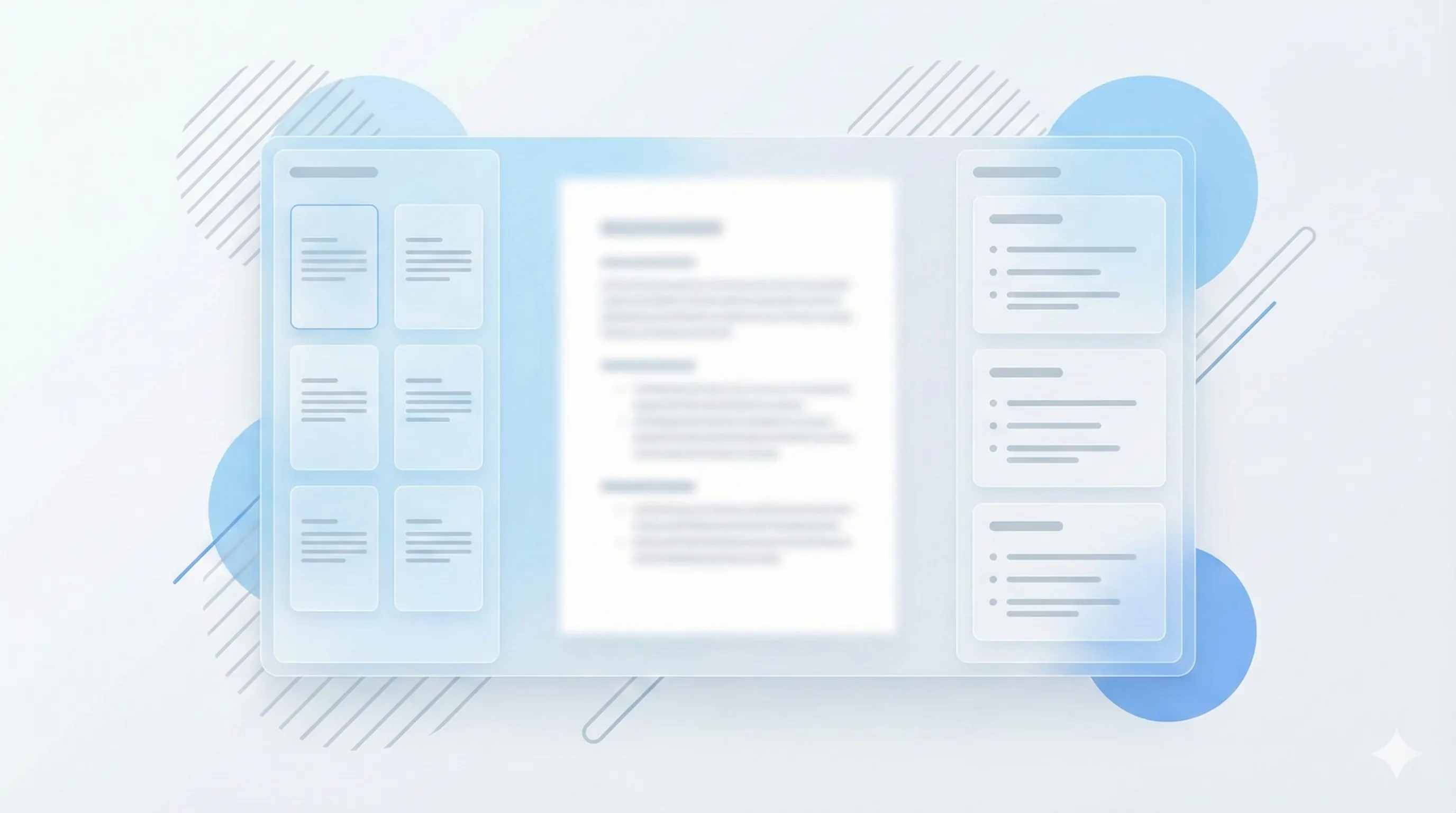
Upgrade when you need exports
Basic and Pro unlock PDF export and larger file limits.
See export options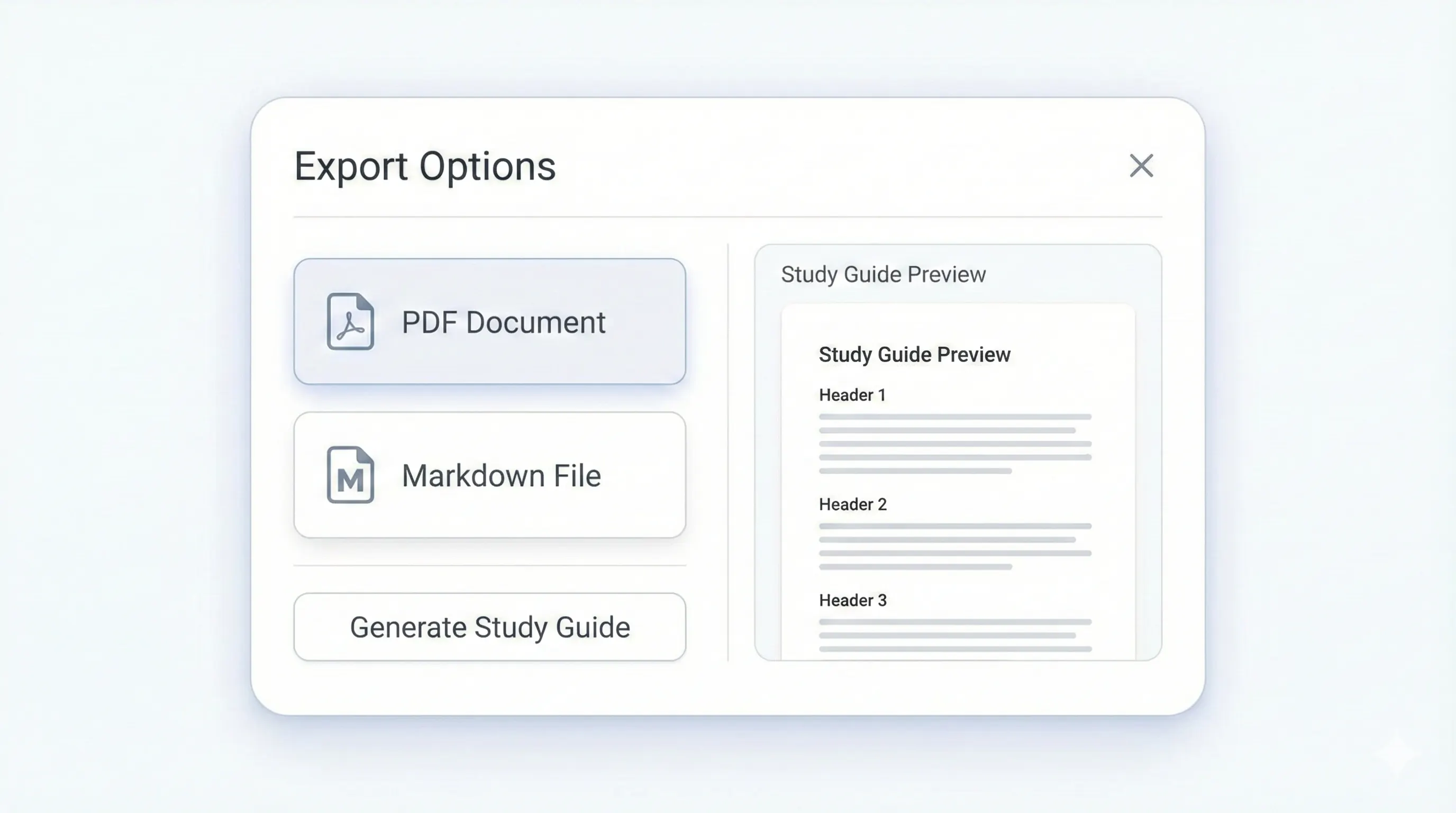
Your study kit, ready to export.
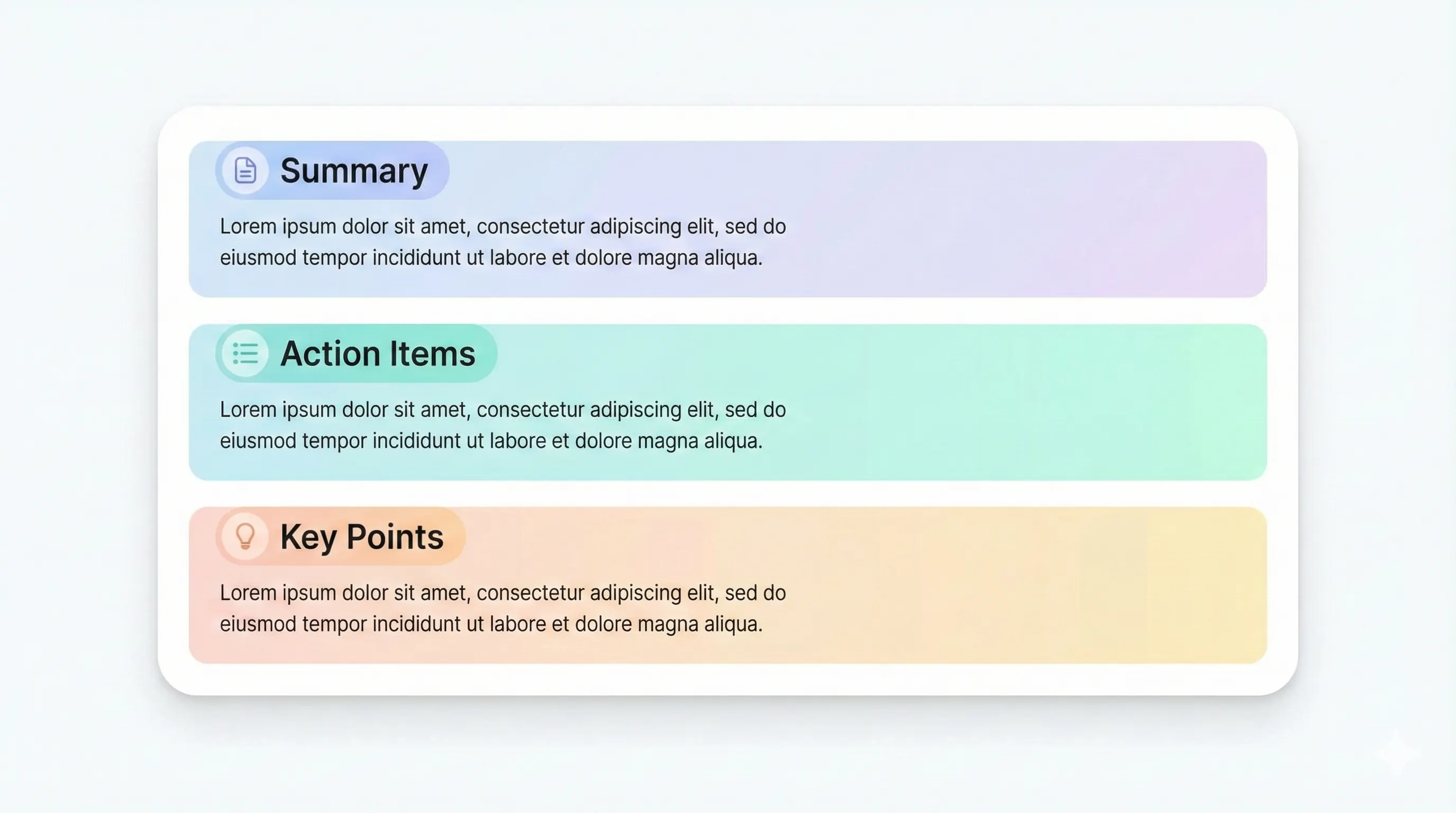
Each output is structured for quick review: headings, terms, and practice questions.
Compare plansSectioned headings for fast review.
Definitions for quick recall.
Concise recaps of each section.
Test your understanding.
If you want a free PDF to study guide workflow, StudyKit gives you a structured output without the usual manual formatting. Upload a text-based PDF and the system converts it into a fast AI summary, an outline with key terms, and practice questions. This is designed for students who need a clear study format quickly, especially when a reading is long but the exam review needs to be short and organized. Instead of skimming a PDF and writing notes by hand, you can generate a guide and focus on learning the content.
Free does not mean low quality. The study guide includes the most important sections from your PDF and organizes them into a hierarchy that is easy to review. Key terms are extracted and paired with short definitions, so you can build recall quickly. Summaries capture the main ideas of each section, while practice questions help test comprehension. This gives you a complete study kit for review sessions without extra tools or templates.
The Free plan is best for smaller PDFs and quick turnarounds. It supports up to 10 pages and exports to Markdown, which you can paste into Notion, Google Docs, or any note app. If you want PDF export, larger documents, or additional outputs like flashcards and quizzes, Basic and Pro add those features. But the Free plan is still useful for real study guides when your PDFs are short and text-based.
StudyKit only supports text-based PDFs in the MVP. If your PDF is scanned or image-only, the parser will show a clear warning so you do not waste time waiting for a failed generation. OCR support is planned for Phase 2, but for now you should export a PDF with selectable text from your source materials. This ensures the system can extract clean text and produce a reliable study guide.
If you are looking for a free way to turn PDFs into study guides, StudyKit gives you a clean, structured workflow without extra setup. Upload, generate, and review. The output is organized enough for exam prep, and you can always upgrade later for PDF export or more advanced outputs.
Preview a sample output in seconds.
No upload needed. Explore a pre-filled document and see the study guide structure instantly.
Quick answers.
Yes. The Free plan lets you generate study guides and notes with Markdown export.
Text-based PDFs work best. Scanned PDFs need OCR, planned for Phase 2.
Free supports up to 10 pages. Basic supports 50 pages, Pro supports 150 pages.
Outline sections, key terms, summaries, and practice questions.
PDF export is available on Basic and Pro. Free exports to Markdown.
Uploads require an account, but you can preview a sample without signing in.