Convert slide decks into clean lecture notes.
Upload PPTX or PDF slides and get fast AI summaries with organized notes, headings, and bullets.
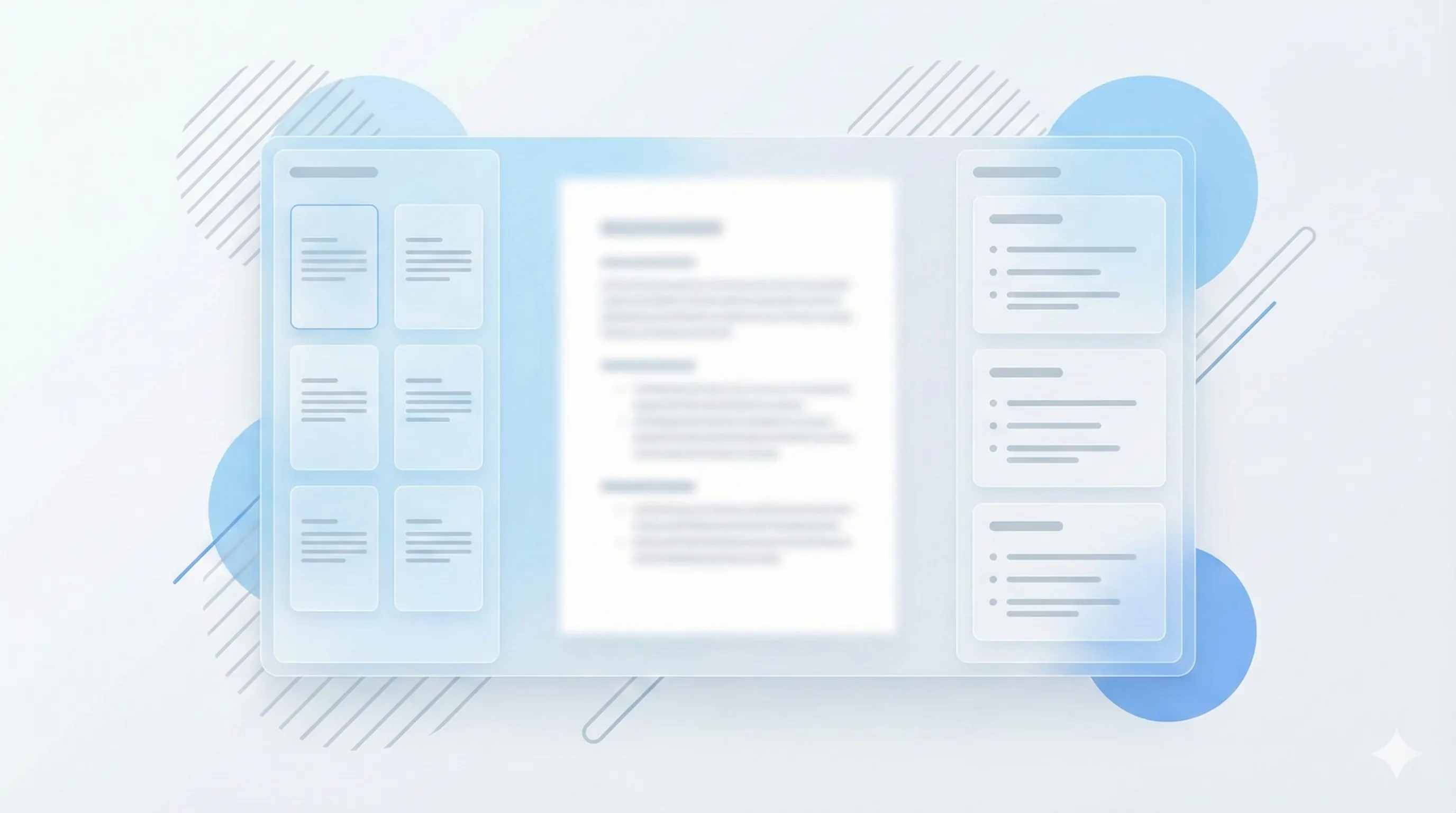
Three steps, clear outcomes.
Upload your slides
PPTX and PDF slides are supported in MVP.
Generate notes
Get headings and bullets aligned with each slide section.
Review and export
Export to Markdown or PDF and share with classmates.
Visual-first study workflows.
Understand slides visually
StudyKit keeps charts, key visuals, and captions aligned with your notes so nothing gets lost.
Try with your slides
Generate AI teaching moments
Ask for summaries, key concepts, or practice prompts right beside the slide content.
Compare plans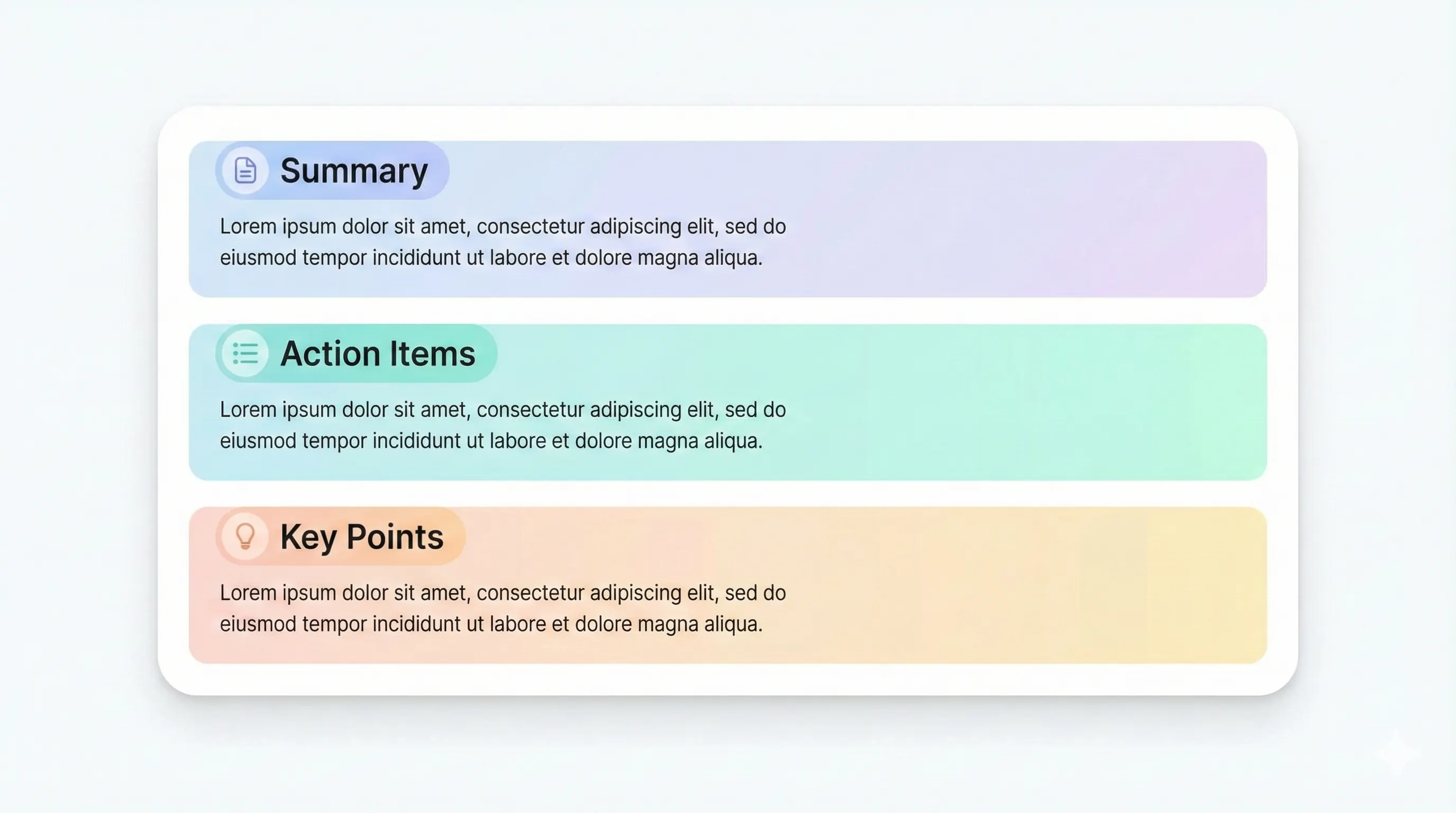
Your study kit, ready to export.
Each output is structured for quick review: headings, terms, and practice questions.
Compare plansHeadings and bullets for every major topic.
Optional slide hints to keep context.
End-of-notes summaries for fast review.
Spin notes into flashcards or quiz questions.
Slides are great in class but hard to study from later. StudyKit turns PPTX or PDF slide decks into fast AI summaries and notes that keep the same order and structure, so you can review a lecture without jumping between files. Headings and bullet summaries make it easy to skim before exams or study sessions.
Instead of rewriting slide text by hand, the notes pull out the core concepts and organize them by section. This keeps the context of each slide while making the material easier to read as a continuous document. It is the fastest way to go from live lecture visuals to clean notes.
You can reuse the same upload to generate a study guide or quiz when you want more active recall. That means one source file can produce multiple study assets without repeating work.
Exports are available in Markdown and PDF, so you can share notes with classmates or paste into your preferred note app. The output stays structured and aligned to your slides, which saves time during review weeks.
Preview a sample output in seconds.
No upload needed. Explore a pre-filled document and see the study guide structure instantly.
Quick answers.
Yes. Upload PPTX or export your slides to PDF.
Yes. Notes are organized in the same order as your slides.
Yes. Use the same document to generate a study guide.
You can try the sample without logging in.
Most slide decks generate notes in a few minutes.
Yes. Uploads are private by default and raw files auto-delete after 7 days.