Generate flashcards directly from a PDF.
StudyKit extracts the core concepts and turns them into recall-focused flashcards in minutes.
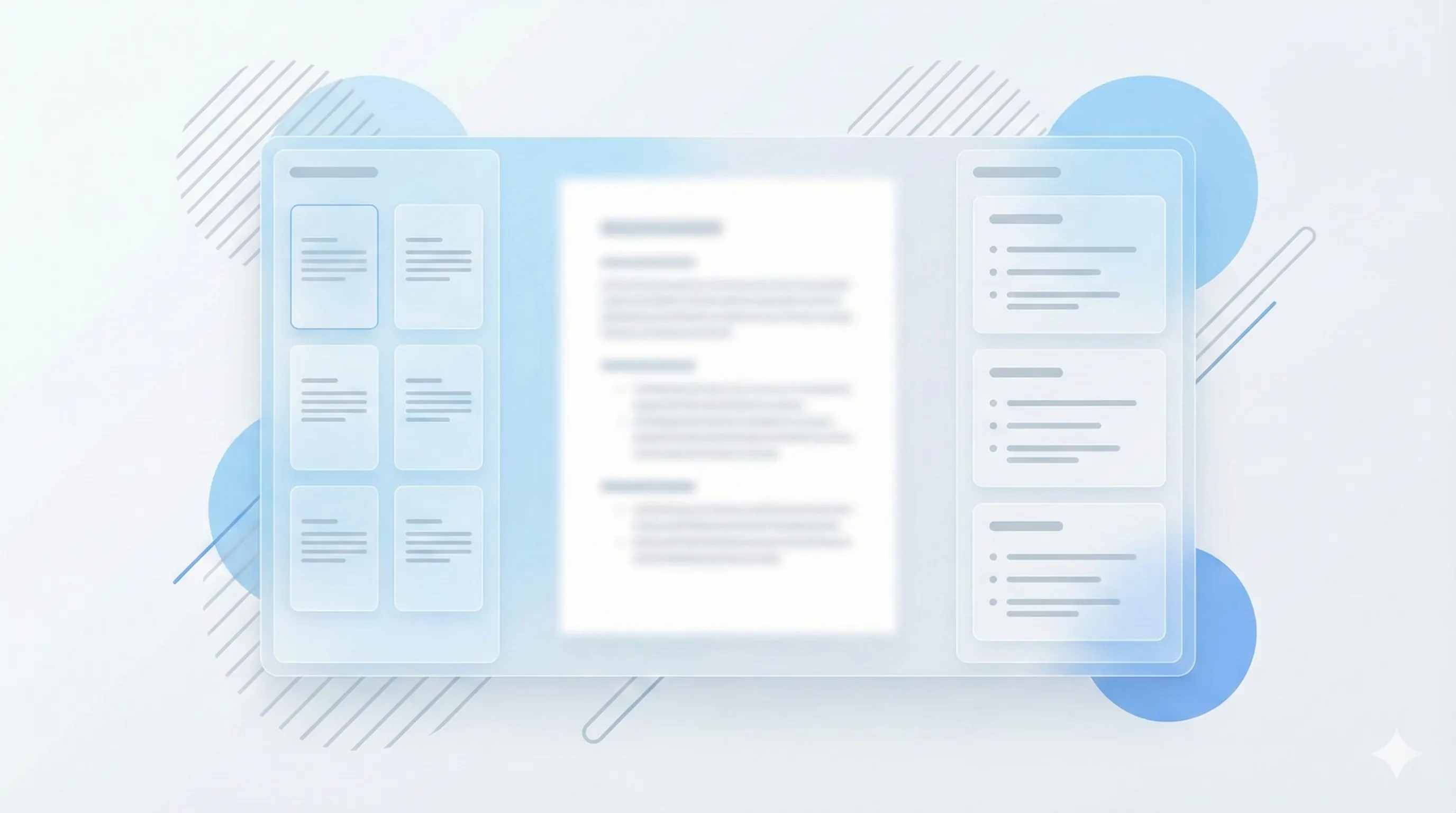
Three steps, clear outcomes.
Upload your PDF
StudyKit scans the text and highlights key terms.
Generate cards
Get clear Q/A pairs for rapid recall.
Practice anywhere
Export and study on your preferred platform.
Visual-first study workflows.
Decks with real context
Flashcards keep the key terms, definitions, and examples that matter.
Generate flashcards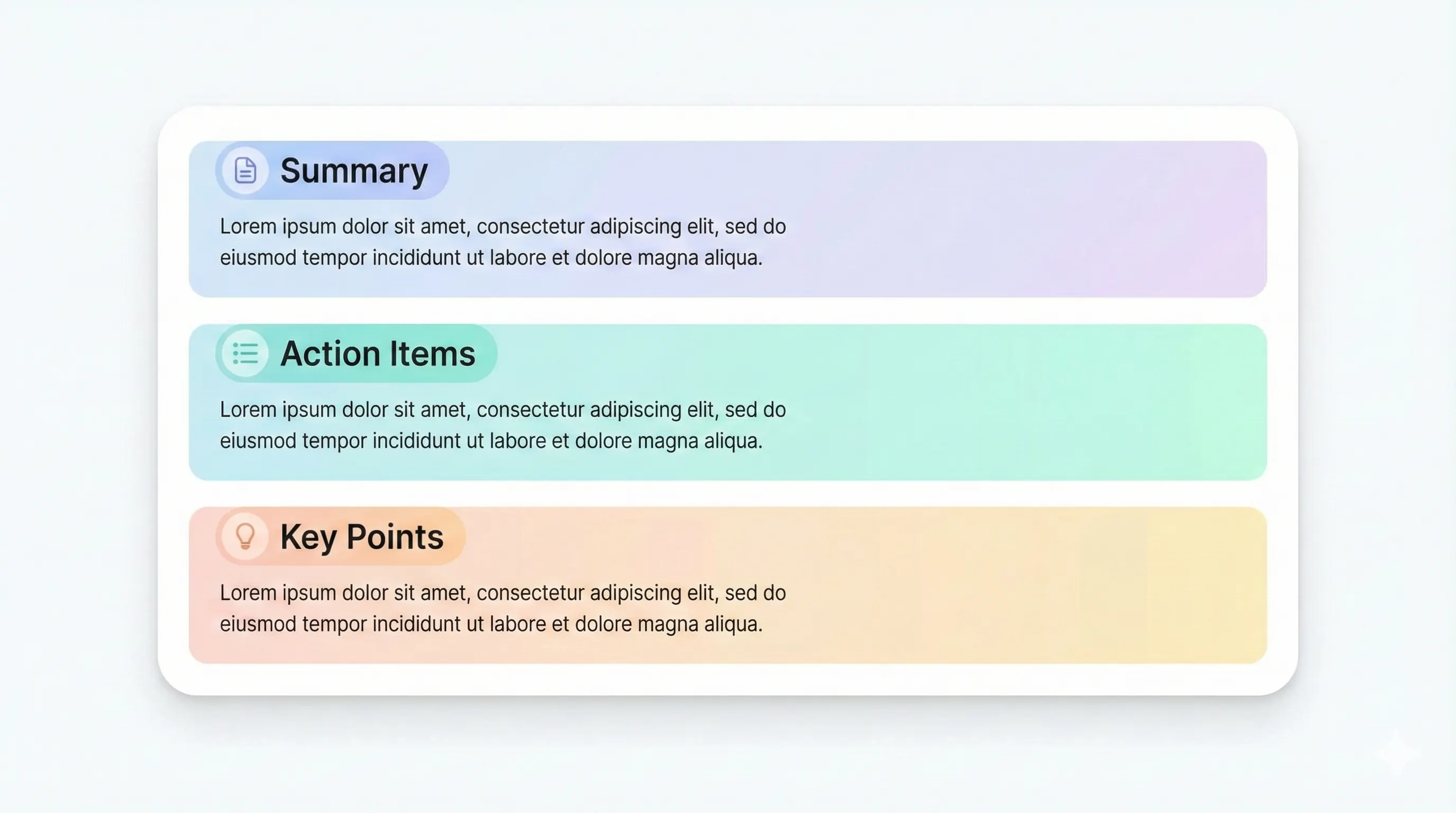
Export and study anywhere
Download markdown or PDF to sync with your study system.
View plan limits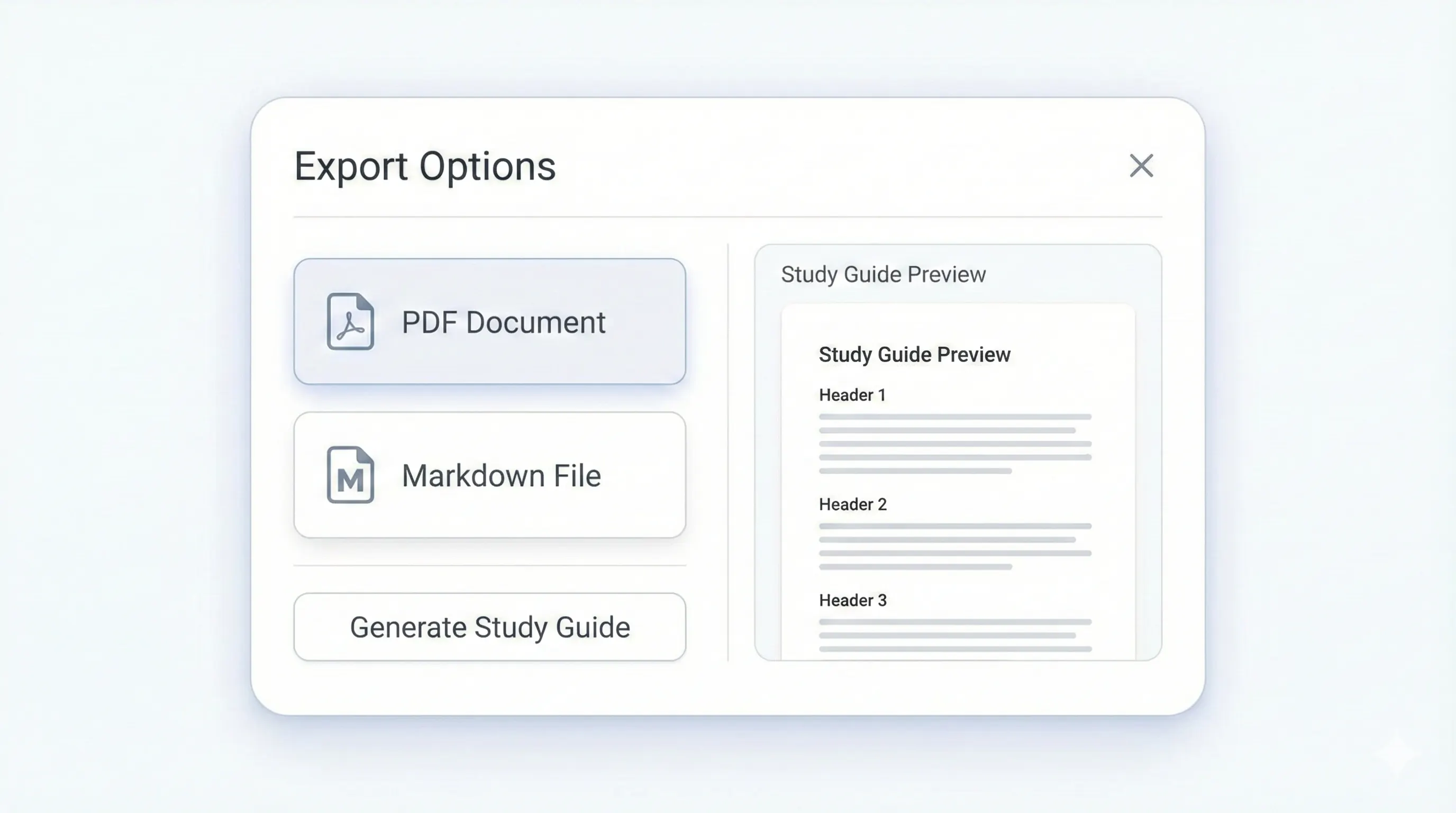
Your study kit, ready to export.
Each output is structured for quick review: headings, terms, and practice questions.
Compare plansShort prompts to test memory and understanding.
Direct responses ready for review sessions.
Organize decks by topic and challenge level.
Refine cards before exporting or sharing.
Preview a sample output in seconds.
No upload needed. Explore a pre-filled document and see the study guide structure instantly.
Quick answers.
Free supports study guides and notes only. Basic and Pro support all outputs.
Yes. You can review and edit before export.
Yes. Each card includes tags and difficulty for quick filtering.
Yes. Use the sample flow without logging in.