Convert PowerPoint slides into a clear study guide.
StudyKit builds a structured guide from your slides so you can focus on learning, not organizing.
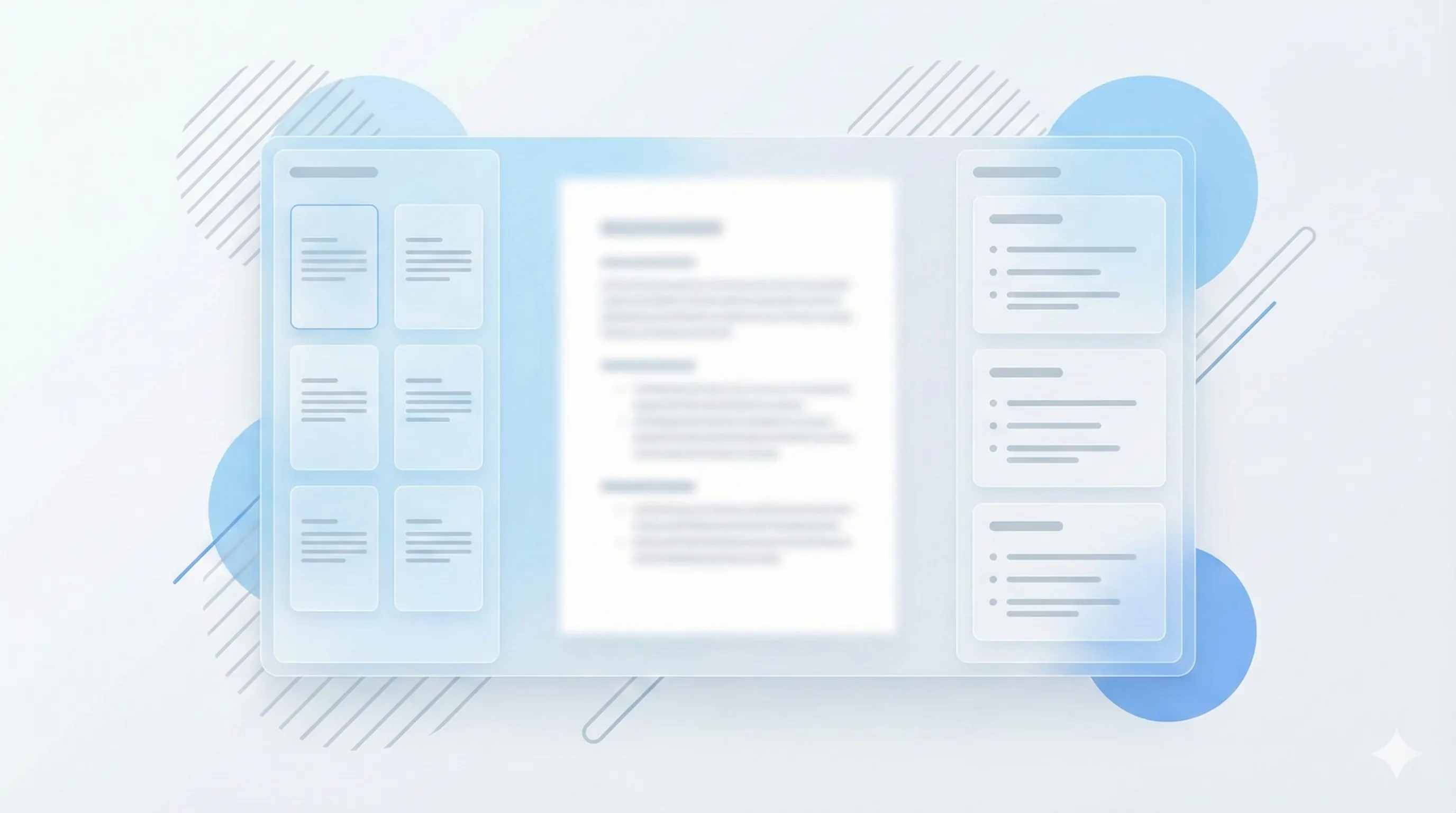
Three steps, clear outcomes.
Upload the deck
Drag in PPTX or export to PDF and upload.
Generate the guide
Get key points organized by topic.
Review and share
Export to Markdown or PDF for study sessions.
Visual-first study workflows.
Slides become study structure
Every section is aligned to your deck so review follows the lecture flow.
Try with slides
Export to share or print
Download markdown or PDF for study groups and quick review.
Compare plans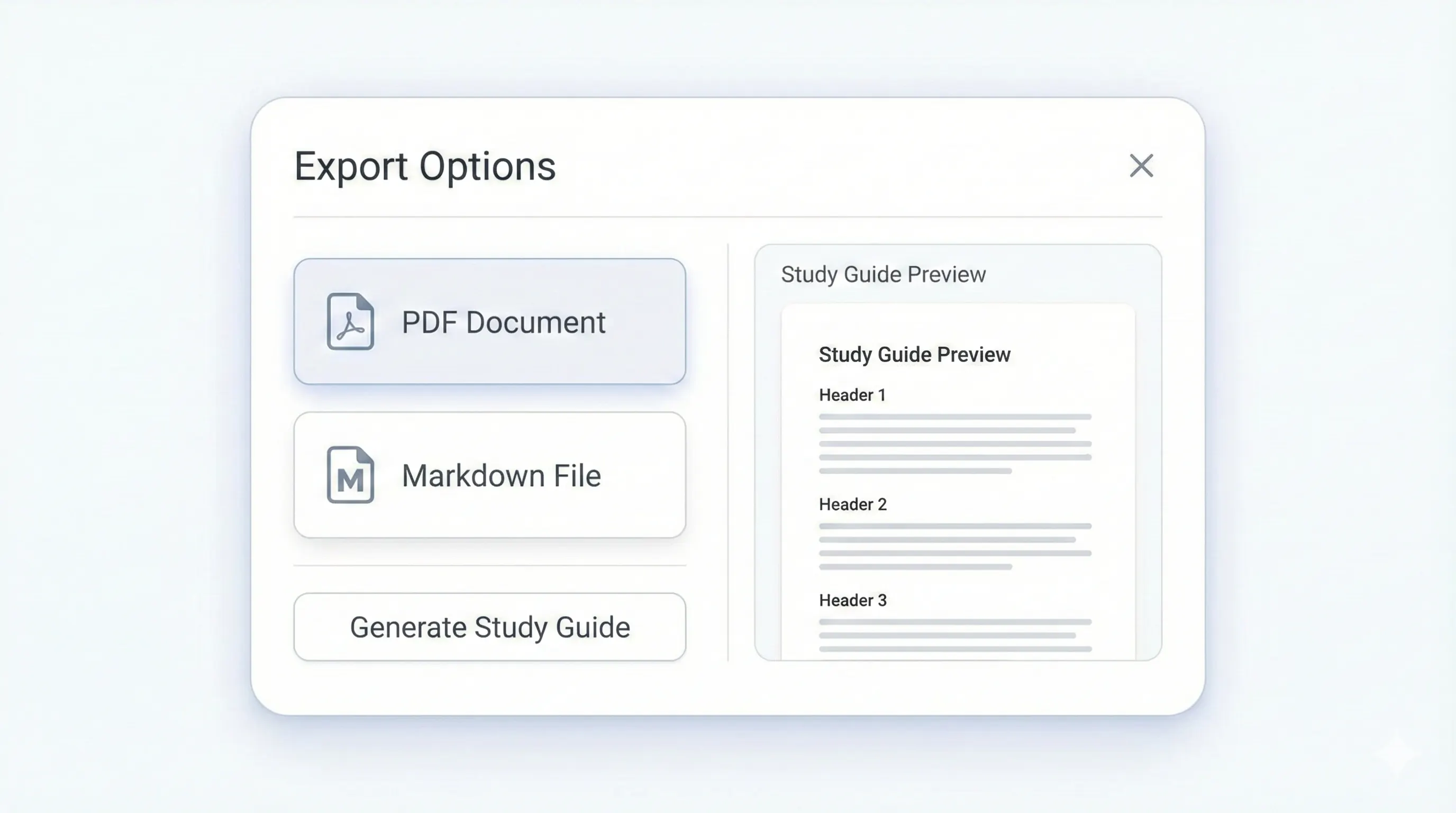
Your study kit, ready to export.
Each output is structured for quick review: headings, terms, and practice questions.
Compare plansStructured headings tied to your slide flow.
Definitions and recall prompts per topic.
Each section ends with a quick recap.
Short answers with optional explanations.
Preview a sample output in seconds.
No upload needed. Explore a pre-filled document and see the study guide structure instantly.
Quick answers.
MVP focuses on slide text. Speaker notes are not yet included.
Free supports up to 10 pages. Basic supports up to 50 pages. Pro supports up to 150 pages.
Yes on Basic and Pro. Free exports to Markdown only.
Yes. Generate notes from the same upload.