Convert PDFs to study guides online.
StudyKit runs in your browser and builds structured study guides in minutes.
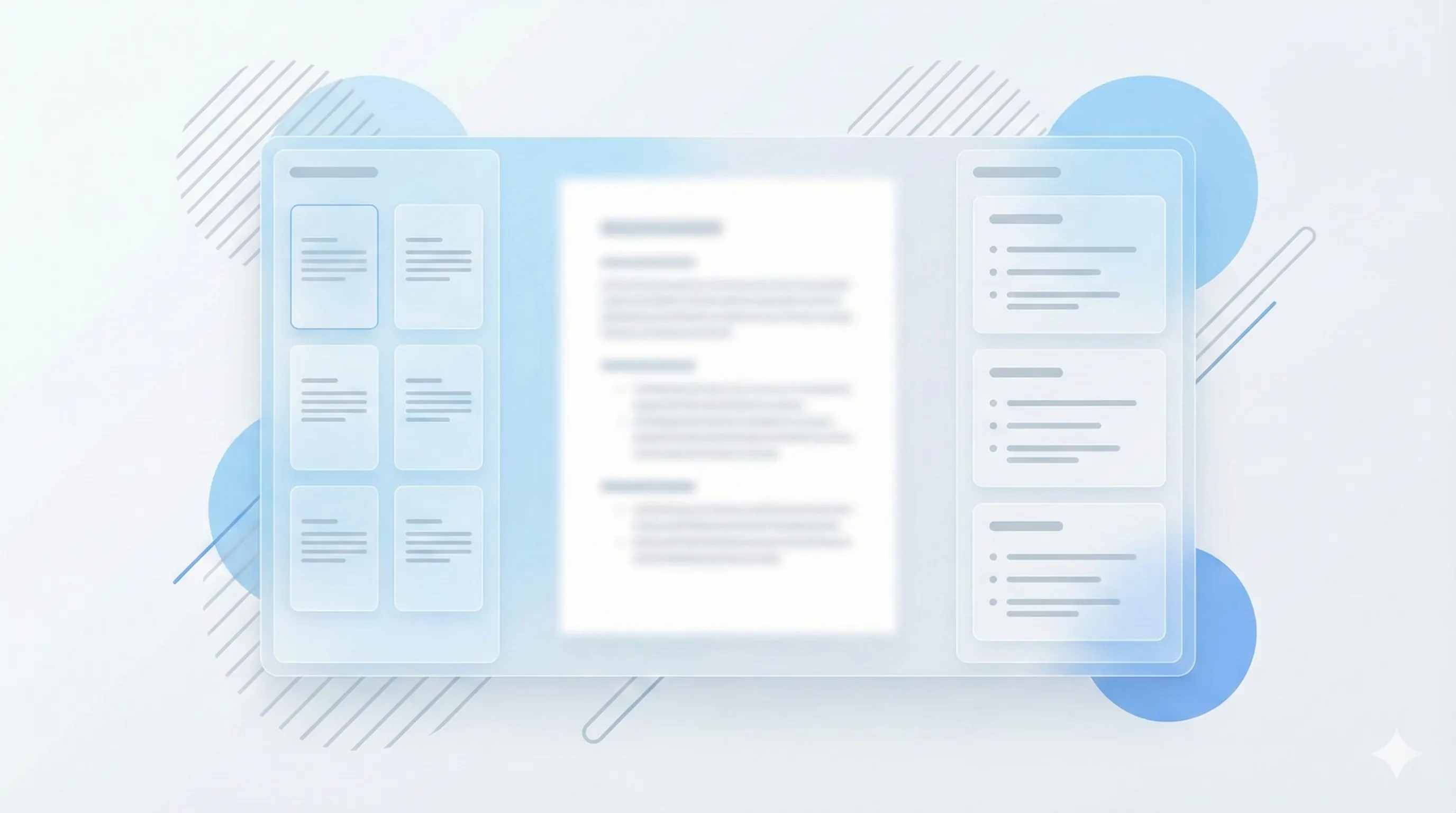
Three steps, clear outcomes.
Upload your PDF
Text-based PDFs parse quickly.
Generate the guide
StudyKit structures the content.
Export and review
Markdown or PDF exports.
Visual-first study workflows.
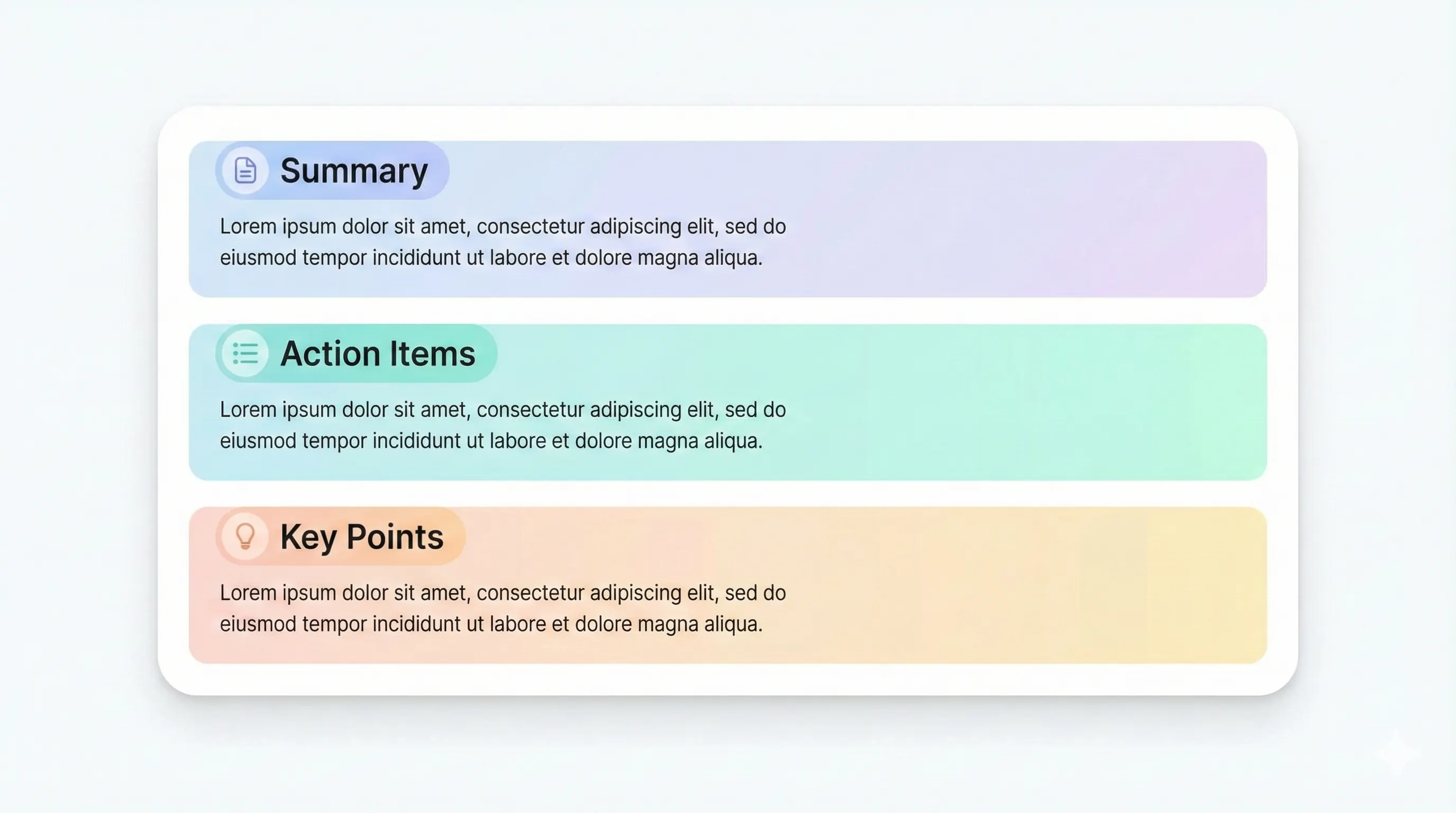
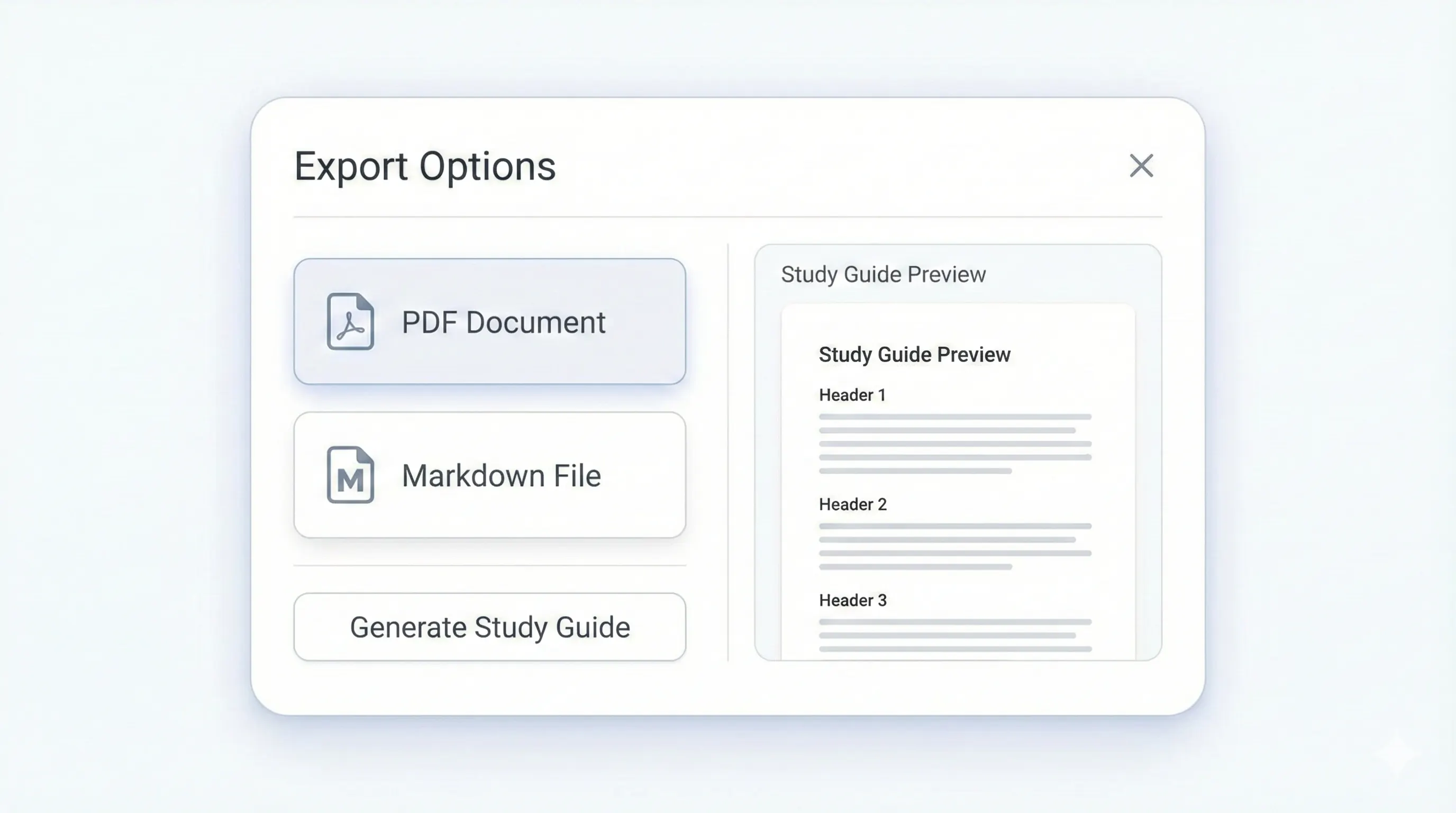
Your study kit, ready to export.
Each output is structured for quick review: headings, terms, and practice questions.
Compare plansTopic-based sections from your PDF.
Definitions for quick review.
Short recaps per section.
Recall-focused prompts.
StudyKit is a PDF to study guide online tool designed for students who want a fast, browser-based workflow. You upload a text-based PDF, and the system turns it into a structured study guide with an outline, key terms, summaries, and practice questions. Because everything runs online, you do not need to install software or move files between apps. This is ideal for quick study sessions, shared devices, and lightweight workflows.
The online workflow focuses on structure. Instead of a loose summary, StudyKit produces a guide that mirrors the PDF sections and keeps the main ideas grouped by topic. Key terms are extracted into short definitions, and each section includes a recap that is easy to scan before an exam. Practice questions are included to help you move from passive reading to active recall, which is one of the fastest ways to improve retention.
StudyKit’s MVP supports text-based PDFs only. If a PDF is scanned or image-only, the parser will show a warning, since OCR is planned for Phase 2. This prevents wasted time waiting for empty output. Most modern PDFs from textbooks and lecture notes already contain selectable text, which is all you need for the online generator to work well.
Export options keep the online workflow flexible. Free users can copy or download Markdown, which works with Notion, Obsidian, and Google Docs. Basic and Pro unlock PDF export for print-friendly study packets and sharing with classmates. You can also generate flashcards or quizzes from the same upload without re-parsing the file, which saves time.
If you want a PDF to study guide online tool that is fast, structured, and reliable, StudyKit gives you a clean workflow: upload, generate, and review. The results are easy to scan and aligned to your source material, which makes the guide practical for real exam prep.
Preview a sample output in seconds.
No upload needed. Explore a pre-filled document and see the study guide structure instantly.
Quick answers.
Yes. StudyKit runs in your browser, no downloads required.
Text-based PDFs and PPTX slides are supported in the MVP.
No. Upload your PDF and generate online in minutes.
Free exports to Markdown. Basic and Pro add PDF export.
Yes. Uploads are private by default and raw files auto-delete after 7 days.
Image-only PDFs need OCR, which is planned for Phase 2.