Generate an instant study guide from your PDF.
StudyKit creates structured guides in minutes so you can review faster.
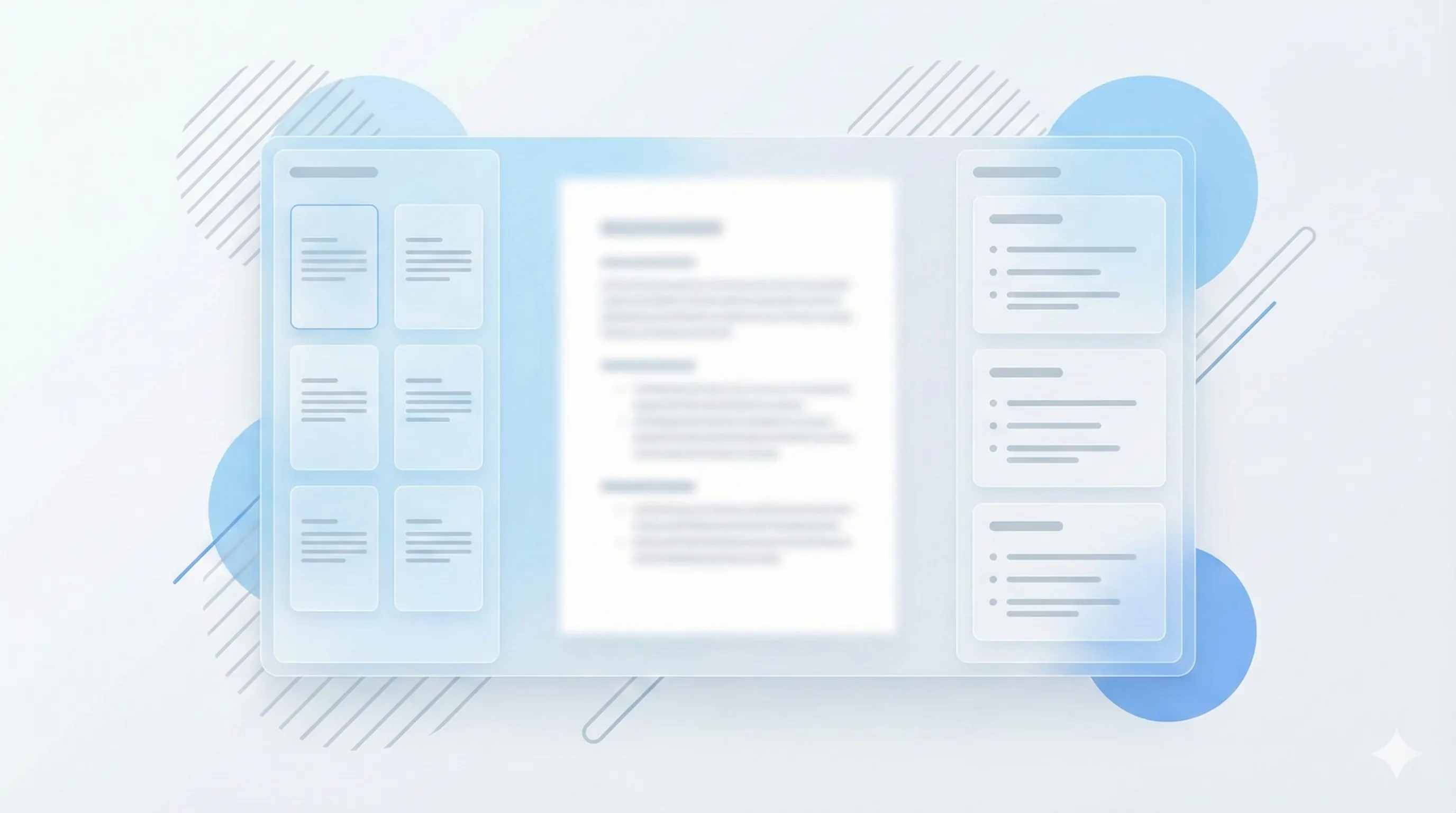
Three steps, clear outcomes.
Upload your PDF
Text-based PDFs process fastest.
Generate the guide
StudyKit structures the content.
Review and export
Markdown or PDF exports.
Visual-first study workflows.
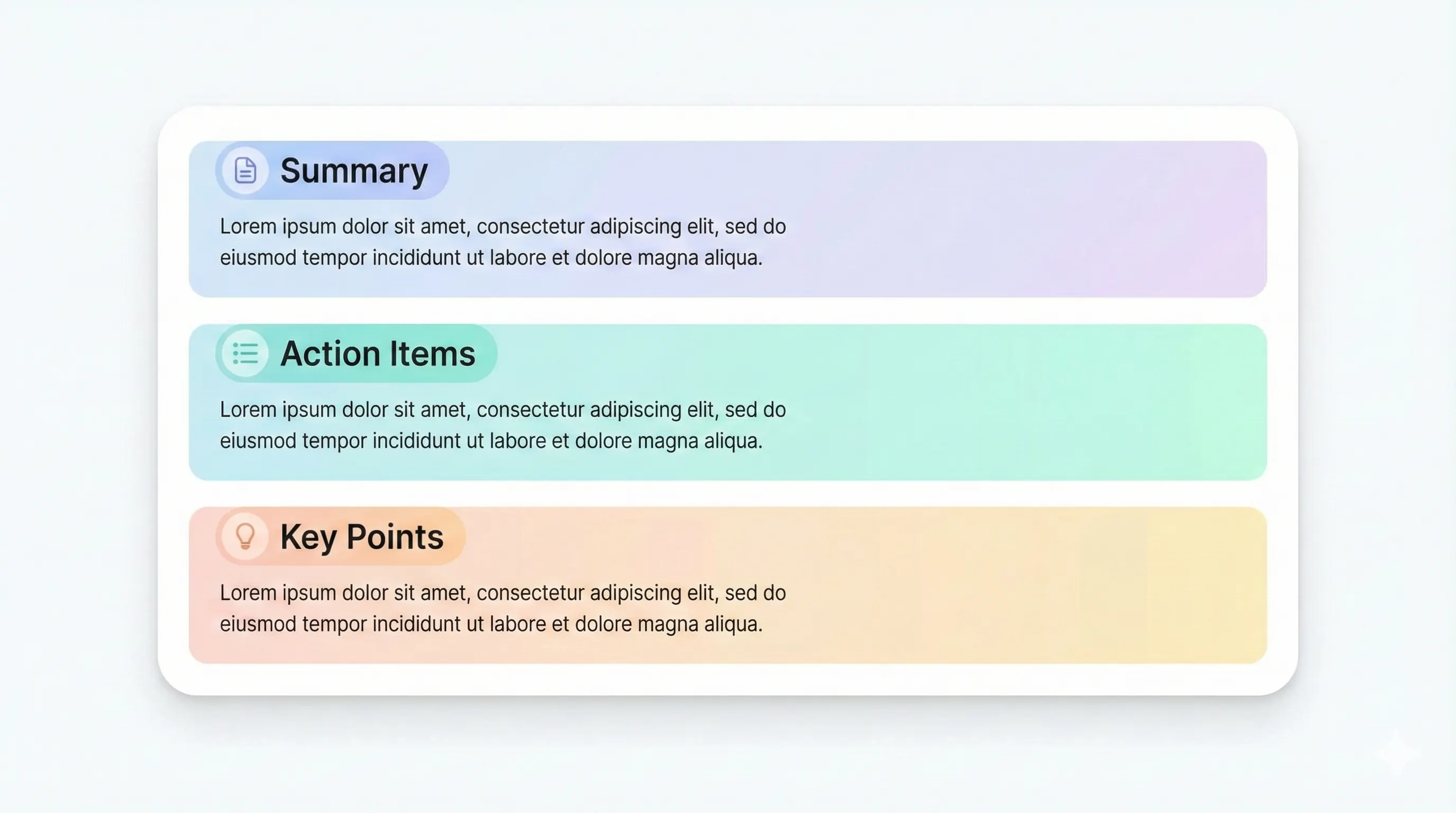
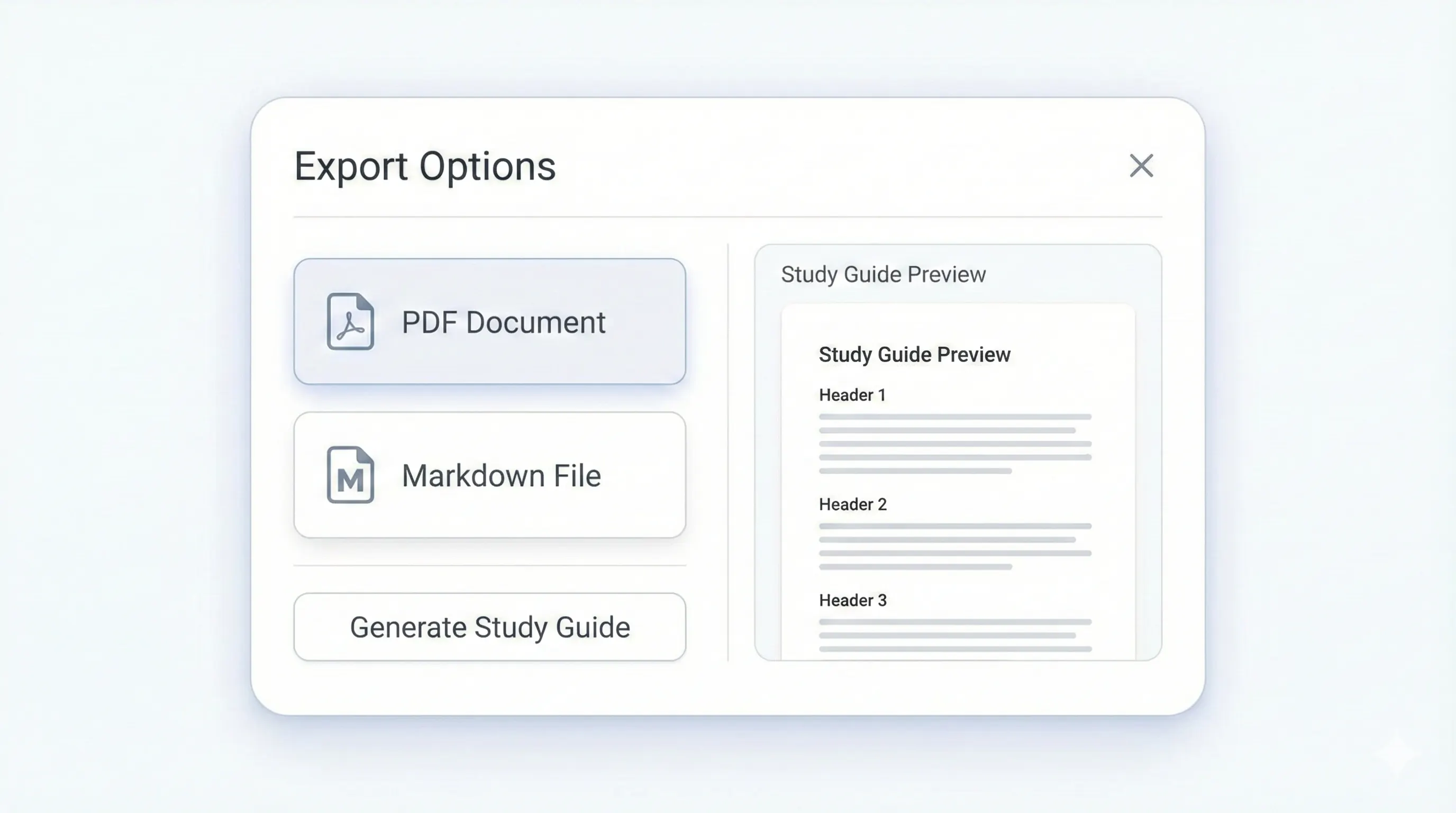
Your study kit, ready to export.
Each output is structured for quick review: headings, terms, and practice questions.
Compare plansSectioned guide in minutes.
Definitions for recall.
Quick section recaps.
Self-testing prompts.
When you need a study guide fast, StudyKit delivers instant structure from your PDF. Upload a text-based file and get a study guide with an outline, key terms, summaries, and practice questions. This is designed for last-minute review, quick lecture prep, and study sessions where time is limited. Instead of reading a PDF end-to-end, you get a concise guide that highlights the essential sections immediately.
Speed does not mean shallow output. The guide keeps the structure of your PDF while organizing it into a format that is easy to scan. Key terms are extracted with short definitions, and each section includes a summary to reinforce comprehension. Practice questions help you test understanding right away. This makes it possible to go from upload to review in minutes without extra formatting or manual copying.
StudyKit supports text-based PDFs in the MVP. If a PDF is scanned or image-only, the parser will show a warning to save you time. OCR support is planned for Phase 2, but most lecture handouts and digital textbooks already have selectable text. That means you can still generate instant study guides from your existing materials today.
Export options keep your workflow fast. Free users can copy Markdown into any notes app, while Basic and Pro unlock PDF export for print sessions or sharing. You can also generate flashcards or quizzes from the same upload if you want more active recall tools without reprocessing the file.
If your goal is an instant PDF to study guide workflow, StudyKit provides the fastest path to structured review. It is built for speed, clarity, and exam-ready outputs.
Preview a sample output in seconds.
No upload needed. Explore a pre-filled document and see the study guide structure instantly.
Quick answers.
Most text-based PDFs generate in minutes depending on length.
Text-based PDFs work best. Scanned PDFs need OCR in Phase 2.
Outline sections, key terms, summaries, and practice questions.
Free exports to Markdown. Basic and Pro add PDF export.
Yes. Try a sample guide without uploading a file.
Yes. Flashcards and quizzes are available on Basic and Pro.