Generate lecture notes with AI from PDFs or slides.
StudyKit builds structured notes with headings, bullets, and recaps so you can study faster.
Three steps, clear outcomes.
Upload PDF or PPTX
Text-based documents work best.
Generate notes
StudyKit organizes the lecture content.
Export and review
Download Markdown or PDF notes.
Visual-first study workflows.
Notes that match your class
AI keeps the same structure as your lecture so you can follow along.
Generate notes
Your study kit, ready to export.
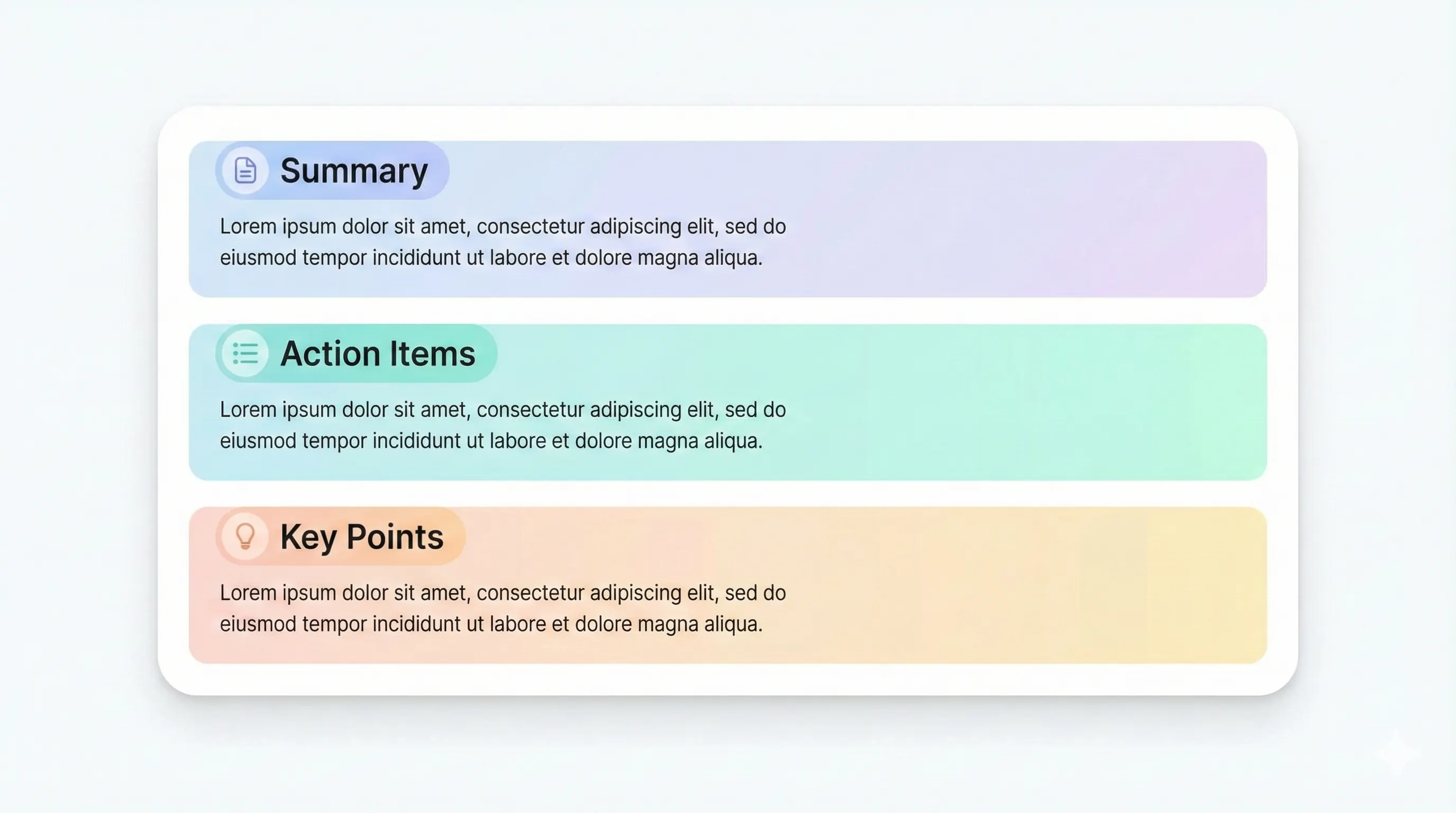
Each output is structured for quick review: headings, terms, and practice questions.
Compare plansNotes grouped by lecture section.
Concise recap for quick review.
Notes follow your instructor’s order.
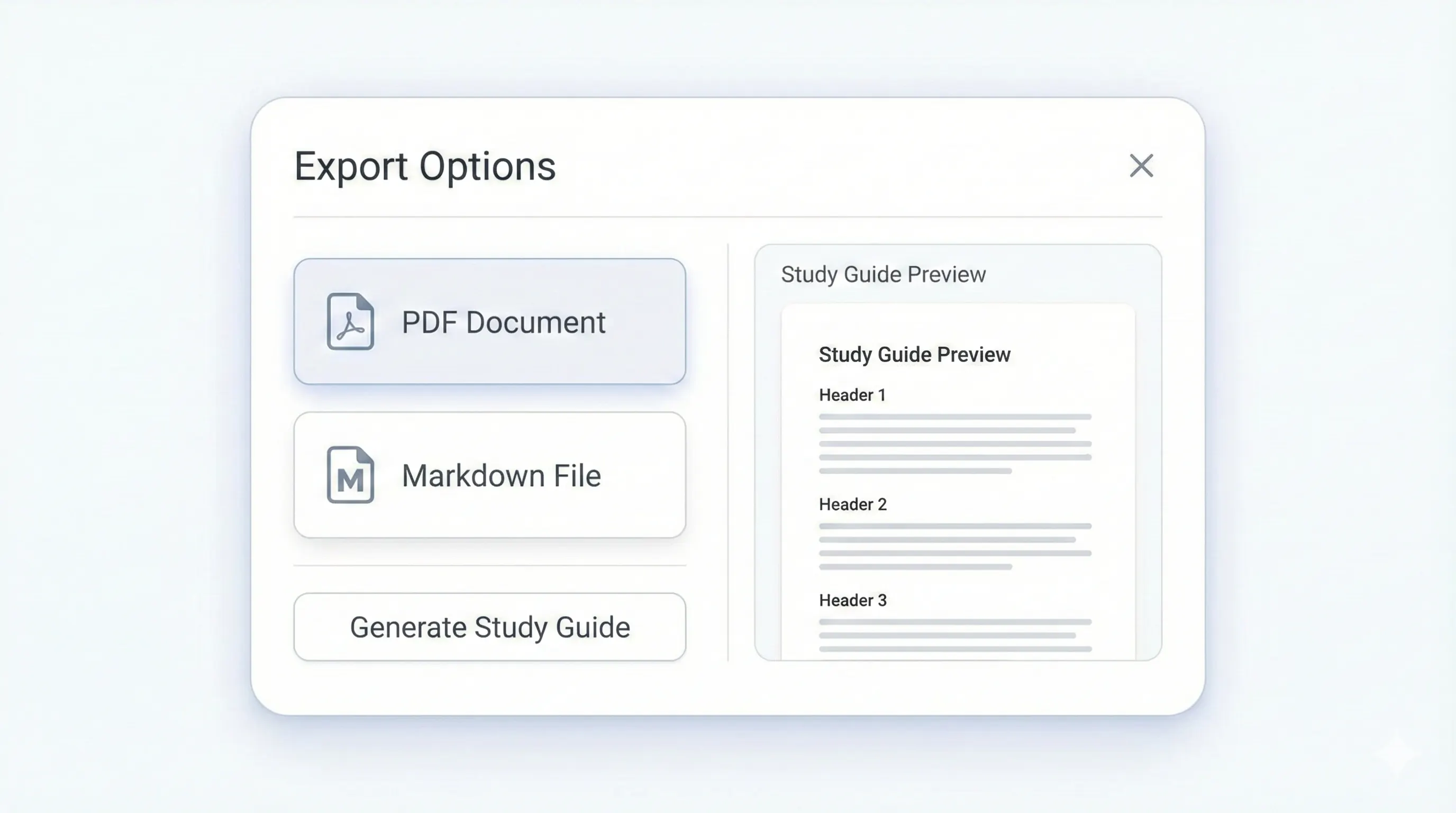
Markdown or PDF for study sessions.
A lecture notes generator should save time without sacrificing structure. StudyKit uses AI to generate lecture notes directly from PDFs and slide decks, then organizes them into headings and bullets that match your source. This keeps your notes aligned to the lecture flow instead of producing generic summaries. Upload a text-based PDF or PPTX, and StudyKit extracts the text, groups it by topic, and turns it into readable notes you can review quickly.
The biggest challenge with AI notes is relevance. If a generator ignores the original structure, the notes become confusing. StudyKit keeps the order of your slides or readings, which makes it easier to follow the instructor’s progression. Notes are grouped by section with short bullet points that capture definitions, processes, and examples. You can also set the audience level to control how detailed the notes should be.
Once the notes are ready, you can export them in formats that fit your workflow. Markdown makes it easy to drop into Notion, Obsidian, or Google Docs, while PDF export is available on Basic and Pro for print-friendly study packets. From the same upload, you can generate a study guide or flashcards for active recall. This turns one lecture into multiple study assets without repeating work.
StudyKit focuses on text-based files in the MVP. If your lecture materials are scanned or image-only, the parser will show a clear warning and avoid wasting your time. OCR support is planned for Phase 2, but you can often export a readable PDF from your LMS or slide software today. That ensures the generator has real text to work with.
If you want an AI lecture notes generator that delivers clean, sectioned notes with clear structure, StudyKit is built to do that. It turns lecture inputs into study-ready notes so you can move faster from class material to exam prep.
Preview a sample output in seconds.
No upload needed. Explore a pre-filled document and see the study guide structure instantly.
Quick answers.
Text-based PDFs and PPTX slides are supported in the MVP.
Yes. You can copy Markdown or export to PDF for edits.
You can try the sample flow without login. Uploads require an account.
Yes. Use the same document to generate flashcards or a quiz.
Free includes Markdown export. Basic/Pro unlock PDF export and more limits.
Image-only PDFs need OCR, which is planned for Phase 2.