Generate lecture notes online in minutes.
StudyKit creates structured notes with headings and bullets directly in your browser.

Three steps, clear outcomes.
Upload your file
Text-based PDFs or PPTX slides.
Generate notes
StudyKit structures the lecture content.
Export and review
Markdown or PDF exports.
Visual-first study workflows.
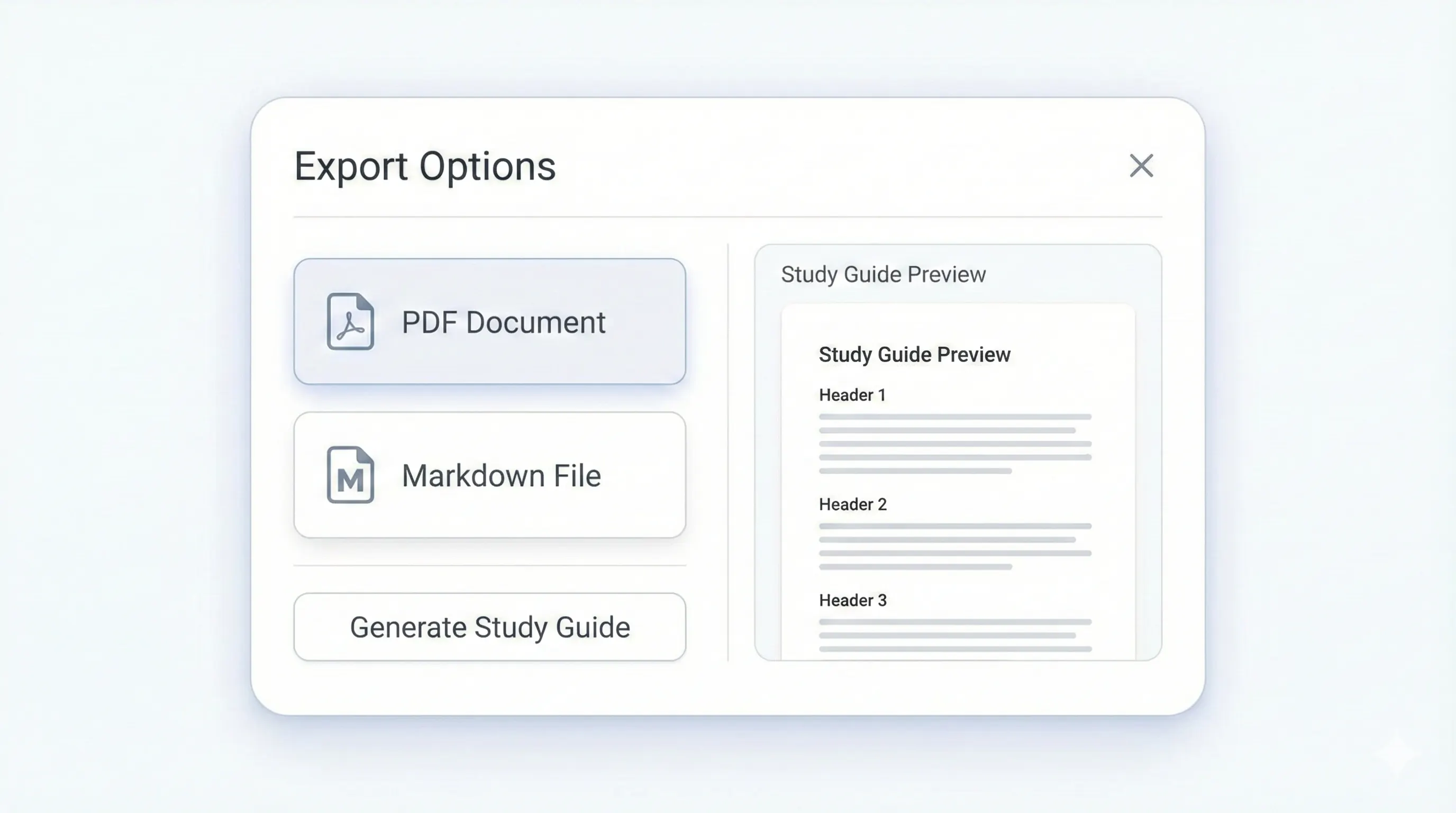
Your study kit, ready to export.
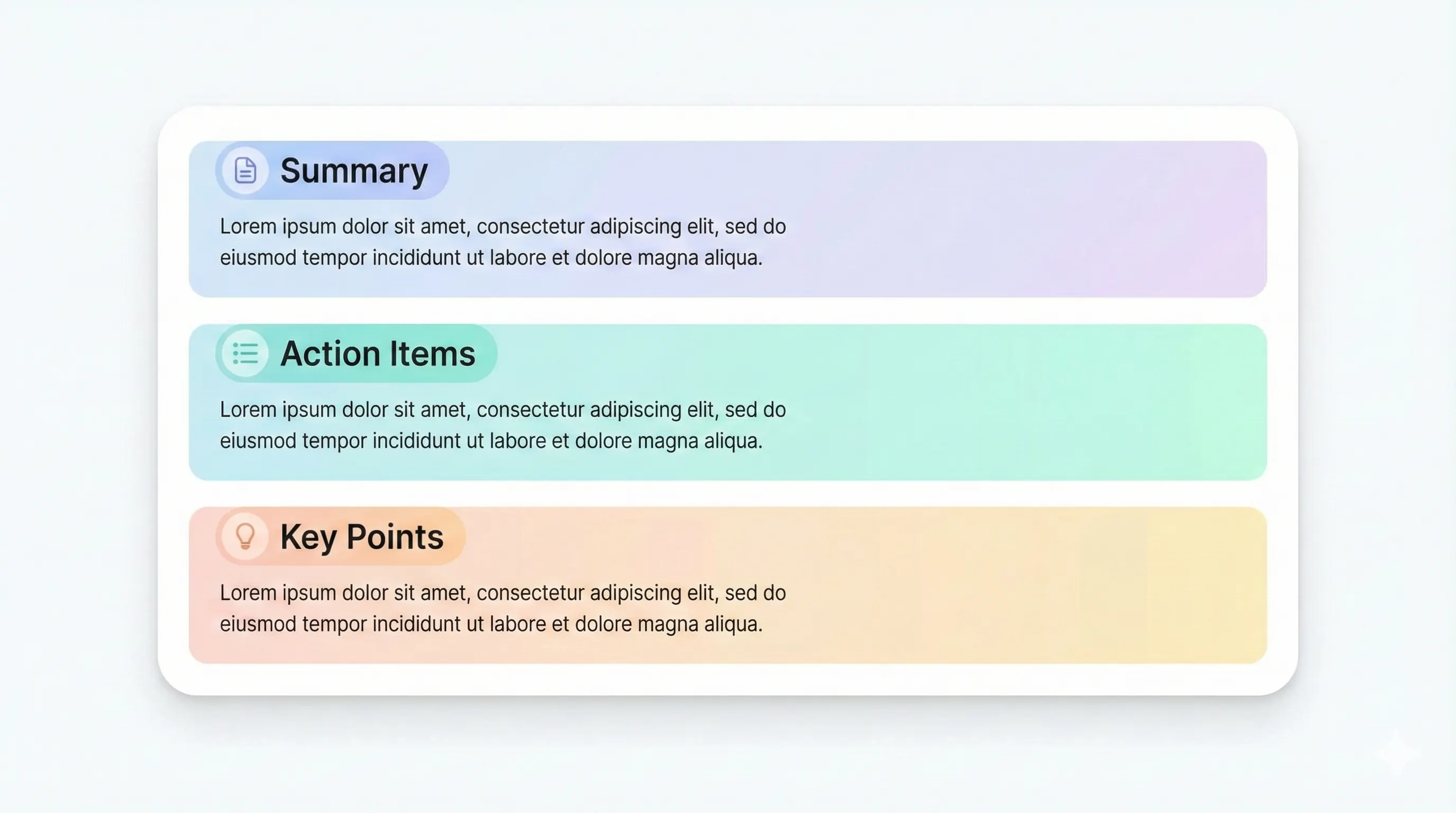
Each output is structured for quick review: headings, terms, and practice questions.
Compare plansTopics grouped by lecture flow.
Concise summary points.
Short section summaries.
Markdown or PDF formats.
StudyKit is a lecture notes generator online that turns PDFs and slide decks into structured notes in your browser. You upload a text-based document and get sectioned notes with headings and bullet points. This is ideal for students who want to review quickly without copying slides into a notes app. Because the generator is online, you can use it from any device and get consistent output every time.
The notes are organized to match the flow of the lecture. Each section captures key ideas, definitions, and supporting details in bullet form. This makes it easy to scan during exam prep or to create a quick recap after class. If you want deeper review, you can generate flashcards or quizzes from the same upload, turning a single lecture into multiple study assets.
StudyKit supports text-based PDFs and PPTX slides in the MVP. If a file is scanned or image-only, the system will show a clear warning instead of generating empty output. OCR support is planned for Phase 2, but most digital lecture materials already include selectable text. That ensures the online notes generator can extract and structure the content accurately.
Export options are flexible. Free users can copy Markdown and paste into Notion, Obsidian, or Google Docs. Basic and Pro add PDF export for print review or sharing with classmates. Because the workflow is online, you can generate notes quickly, export them, and move on to study without any manual formatting steps.
If you want a lecture notes generator online that produces clean, structured notes with minimal effort, StudyKit provides a reliable workflow and consistent results.
Preview a sample output in seconds.
No upload needed. Explore a pre-filled document and see the study guide structure instantly.
Quick answers.
Yes. StudyKit runs in your browser with no installs.
Text-based PDFs and PPTX slides in the MVP.
Free exports to Markdown. Basic and Pro include PDF export.
Yes. Try a sample without uploading a file.
Image-only documents need OCR, planned for Phase 2.
Yes. You can generate guides, flashcards, or quizzes from the same upload.