Convert lecture slides into a structured study guide.
StudyKit reorganizes PPTX and PDF slides into outlines, key terms, summaries, and practice questions.

Three steps, clear outcomes.
Upload your slides
Use PPTX or exported PDF slides.
Generate the guide
StudyKit structures the lecture topics.
Review and export
Download Markdown or PDF for revision.
Visual-first study workflows.
Keep the lecture flow
The guide follows the same order as your slides so you stay on track.
Generate a guide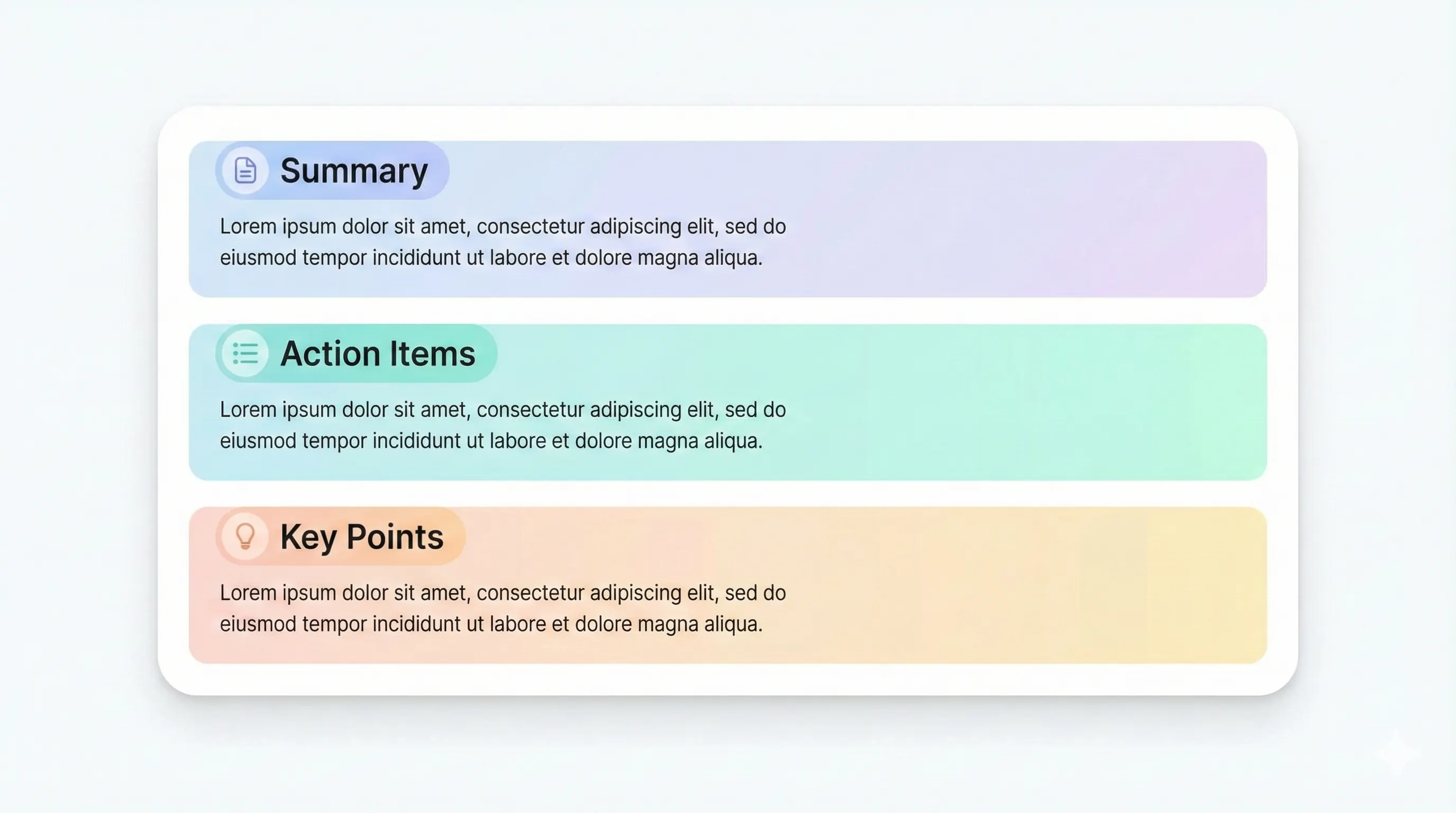
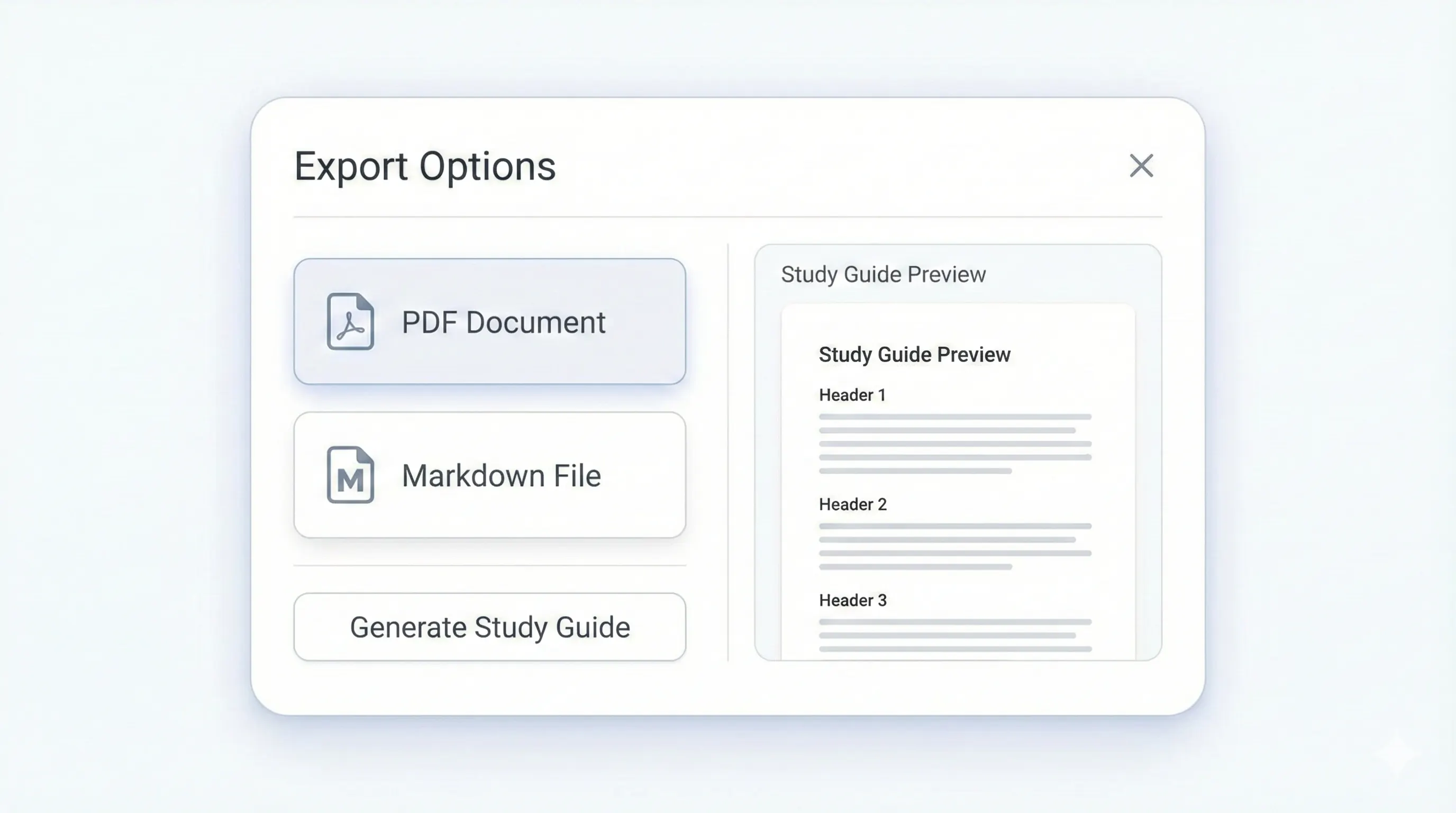
Your study kit, ready to export.
Each output is structured for quick review: headings, terms, and practice questions.
Compare plansOrganized by slide sections.
Definitions mapped to the lecture flow.
Quick recap of each topic.
Test yourself on the lecture.
Lecture slides often include the most important terms and diagrams, but the structure is spread across dozens of slides. StudyKit converts lecture slides to a study guide so you can review the material in a single, structured document. Upload PPTX or PDF slides and the system extracts the text, groups it by topic, and builds an outline that mirrors the lecture flow. You get the key points, definitions, and practice questions in one place without retyping notes.
A slide deck is great for presenting but not always for studying. This guide format improves retention by organizing the content into logical sections with summaries. It also highlights key terms so you can build flashcards or run a quick quiz from the same upload. Because the output follows the original slide order, it stays aligned with your instructor’s sequence and reduces the need to cross-reference the slides while you study.
StudyKit’s lecture slides workflow is designed for speed. In the MVP, it supports text-based PPTX and PDF slides without OCR. That means you should export slides with selectable text for best results. If a deck is image-only, the system will show a clear warning instead of generating empty output. OCR support is on the roadmap, but today you can still convert most modern slides directly.
Once the study guide is generated, you can export it to Markdown for your notes app or to PDF for print review. Basic and Pro unlock PDF export, while Free gives you Markdown. For deeper study, you can generate flashcards and quizzes from the same slide deck without uploading again. This makes it easy to move from lecture to active recall in one workflow.
If you want to turn lecture slides into a study guide that is clean, organized, and aligned with class content, StudyKit provides that format with minimal steps. It is built to reduce the time between receiving a deck and having a study-ready guide you can actually review.
Preview a sample output in seconds.
No upload needed. Explore a pre-filled document and see the study guide structure instantly.
Quick answers.
Yes. Upload PPTX files or export your slides to PDF.
Yes. The study guide follows your slide sequence and headings.
Yes. Use the same document to generate lecture notes and flashcards.
Markdown is available on Free. PDF export is available on Basic and Pro.
Scanned or image-only slides need OCR, which is planned for Phase 2.
Most decks process in a few minutes depending on length.