Generate a quiz from any PDF in minutes.
StudyKit turns text-based PDFs into quizzes with answers and explanations for rapid review.
Three steps, clear outcomes.
Upload your PDF
Text-based PDFs parse quickly.
Generate the quiz
StudyKit builds balanced questions.
Review and export
Download Markdown or PDF.
Visual-first study workflows.
Balanced quizzes from PDFs
Questions are aligned to your document and include answer explanations.
Generate a quiz
Your study kit, ready to export.
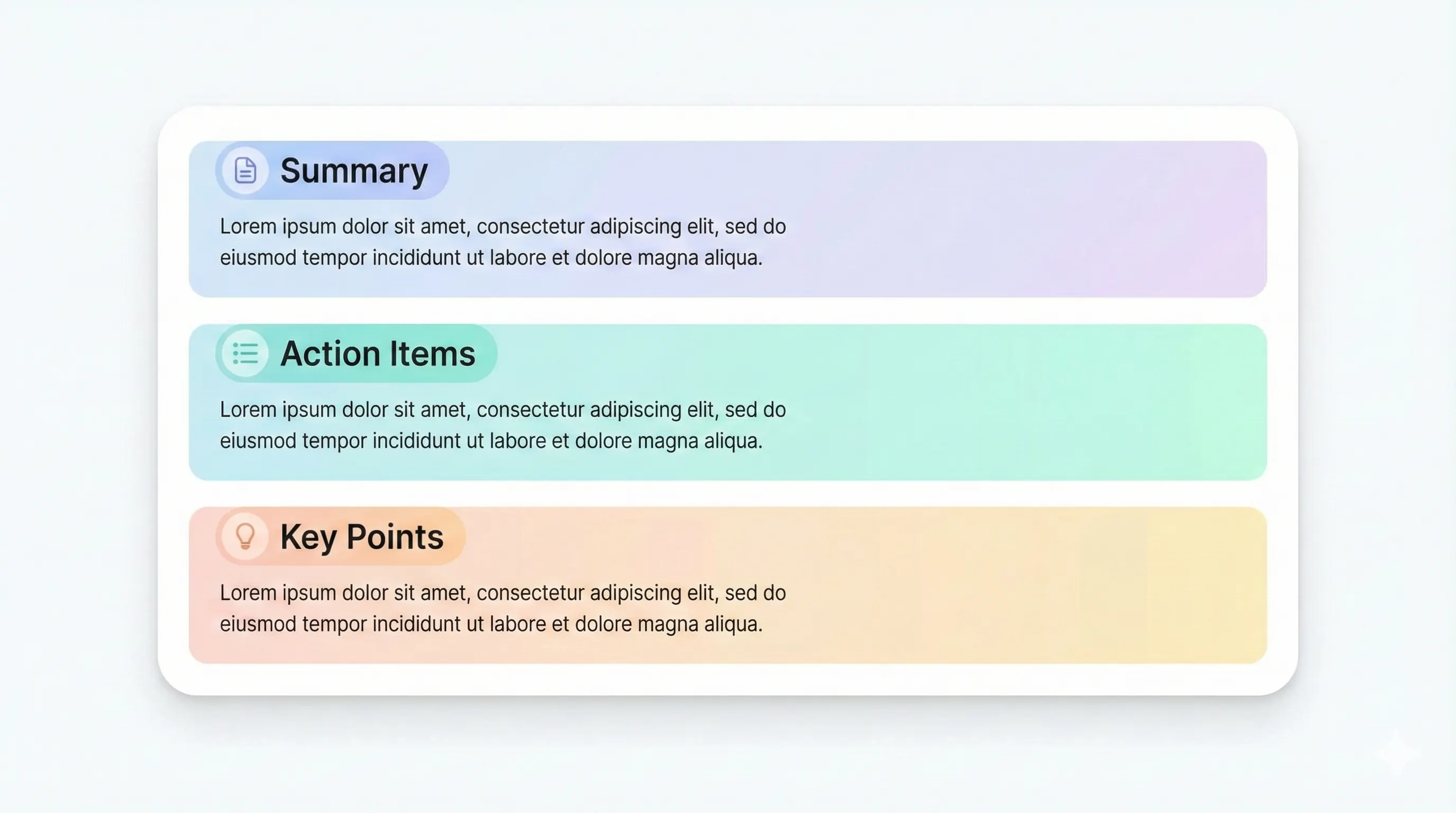
Each output is structured for quick review: headings, terms, and practice questions.
Compare plansQuick checks for major concepts.
Explain key ideas in your own words.
Clear solutions for every question.
Optional rationale to reinforce learning.
A PDF to quiz generator helps you move from passive reading to active recall. StudyKit converts text-based PDFs into a balanced quiz that includes multiple choice and short answer questions. Instead of building a quiz manually, you upload your PDF and get questions aligned to the document’s key concepts. This is ideal for exam prep, quick review sessions, or study groups that want a structured way to test comprehension.
StudyKit’s quiz output is designed to be practical. Questions are grouped to cover the main topics, and each question includes an answer with a brief explanation when available. That means you can test yourself and immediately confirm the reasoning. The quiz stays aligned with your source document because the system builds on the same text extraction and chunking pipeline used for study guides and notes.
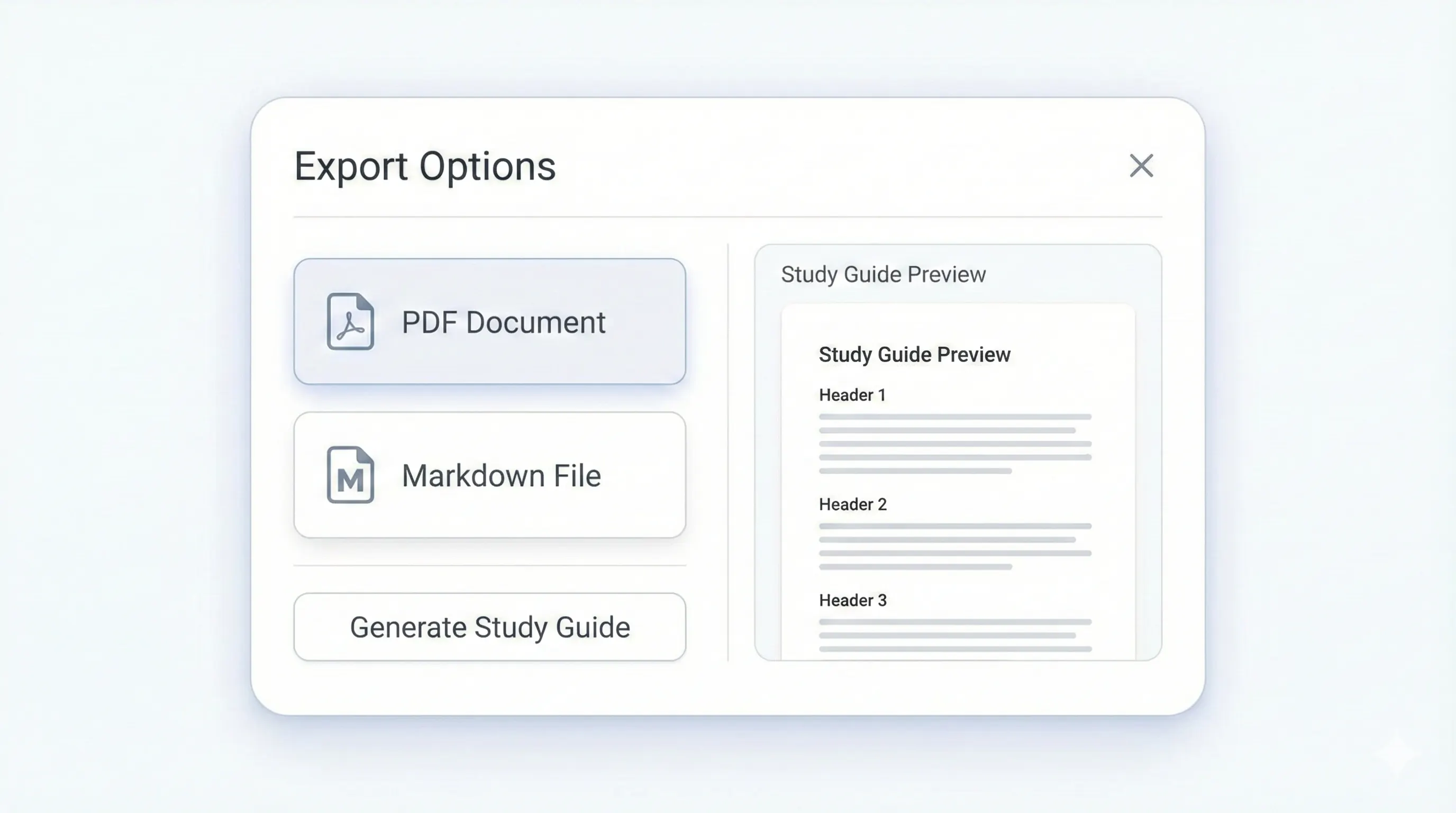
You can export quizzes as Markdown for your notes app or as a PDF with Basic and Pro. This makes it easy to share with classmates or print a practice sheet before a test. From the same upload, you can also generate flashcards or a study guide if you want more study modes. The workflow is one document, multiple outputs.
The MVP supports text-based PDFs only. If you upload a scanned PDF, the system will show a warning so you do not waste time. OCR support is planned for Phase 2, but most digital textbooks and lecture handouts already include selectable text. Exporting a text-based PDF will produce the best results.
If you want a quiz generator that works directly from your PDF readings, StudyKit gives you a fast, structured output with answers and explanations. It is built to help you practice recall without adding extra prep time.
Preview a sample output in seconds.
No upload needed. Explore a pre-filled document and see the study guide structure instantly.
Quick answers.
You get a mix of multiple choice and short answer questions.
Text-based PDFs are supported. Scanned PDFs need OCR in Phase 2.
Yes. Each question includes an answer and optional explanation.
Free exports to Markdown. Basic and Pro add PDF export.
Yes. Generate flashcards or study guides from the same document.
You can try a sample without login. Uploads require an account.