Turn any PDF into a structured study guide.
StudyKit converts text-based PDFs into outlines, key terms, summaries, and practice questions.
Three steps, clear outcomes.
Upload your PDF
Text-based PDFs parse fast in the MVP.
Generate the guide
StudyKit structures sections and key terms.
Export & review
Download Markdown or PDF for study sessions.
Visual-first study workflows.
Aligned to your PDF
The guide follows the same order as your source document, so you stay aligned with class.
Build a guide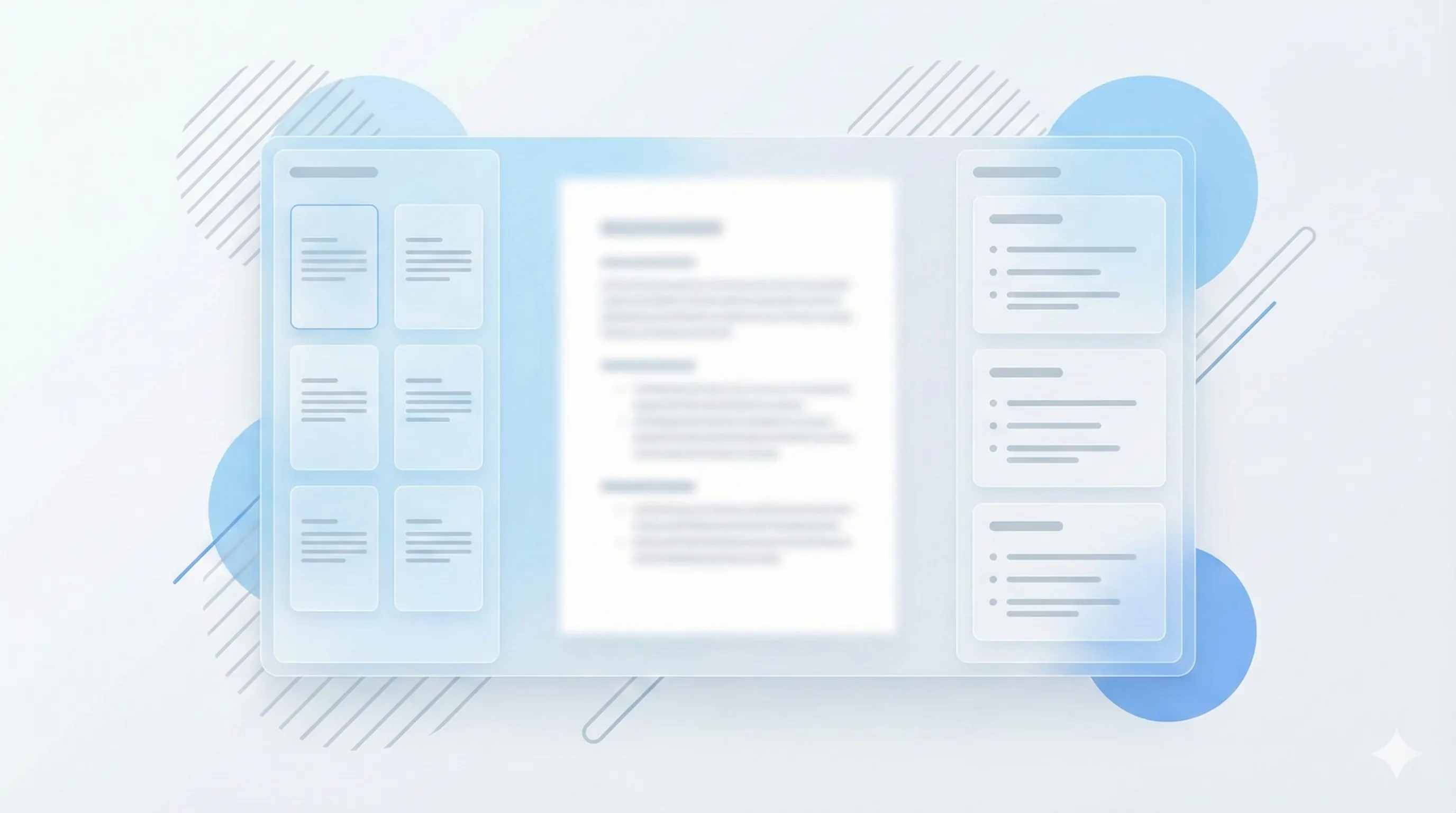
Fast export options
Copy Markdown for notes apps or export PDF for print review.
Compare plans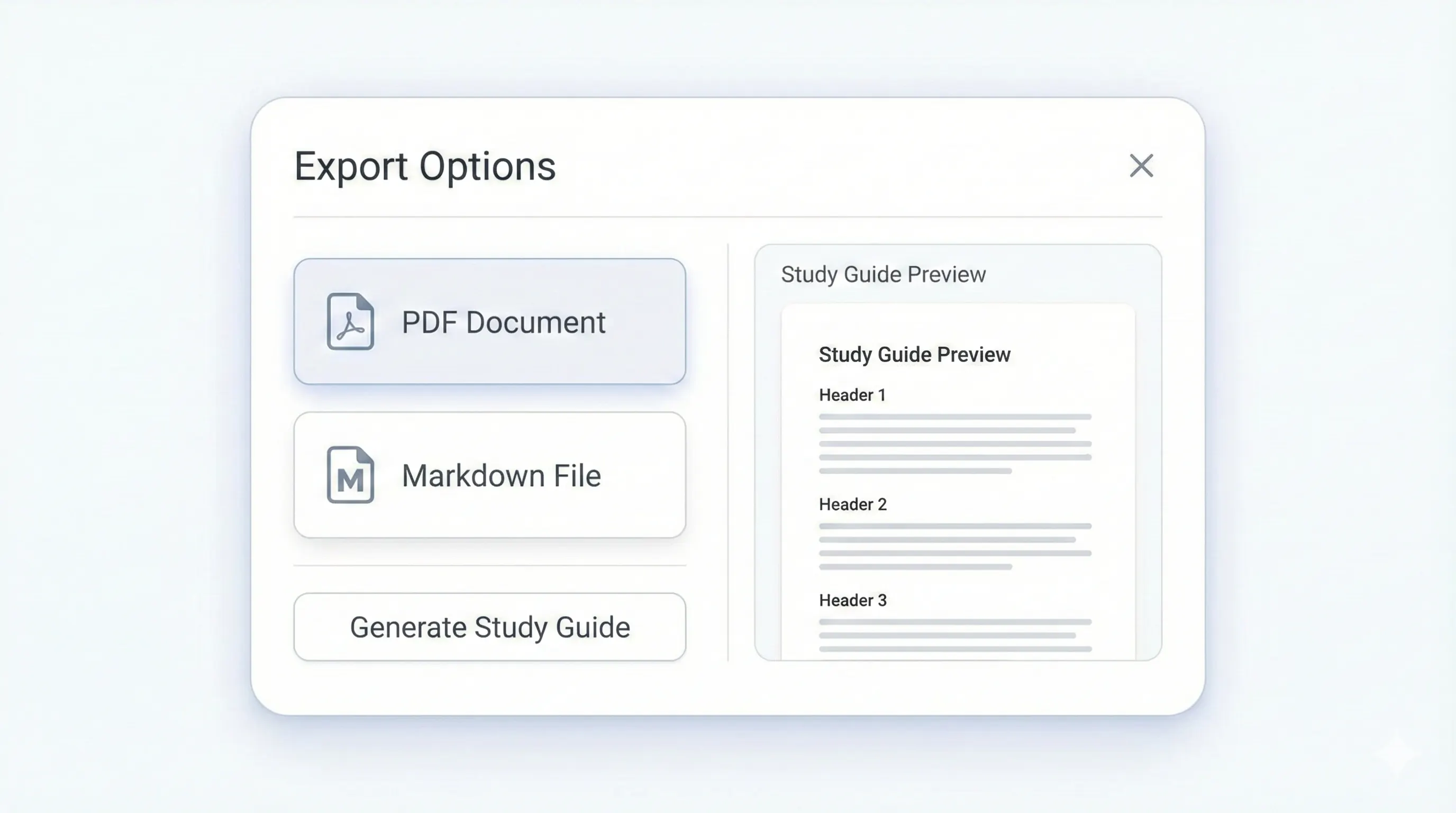
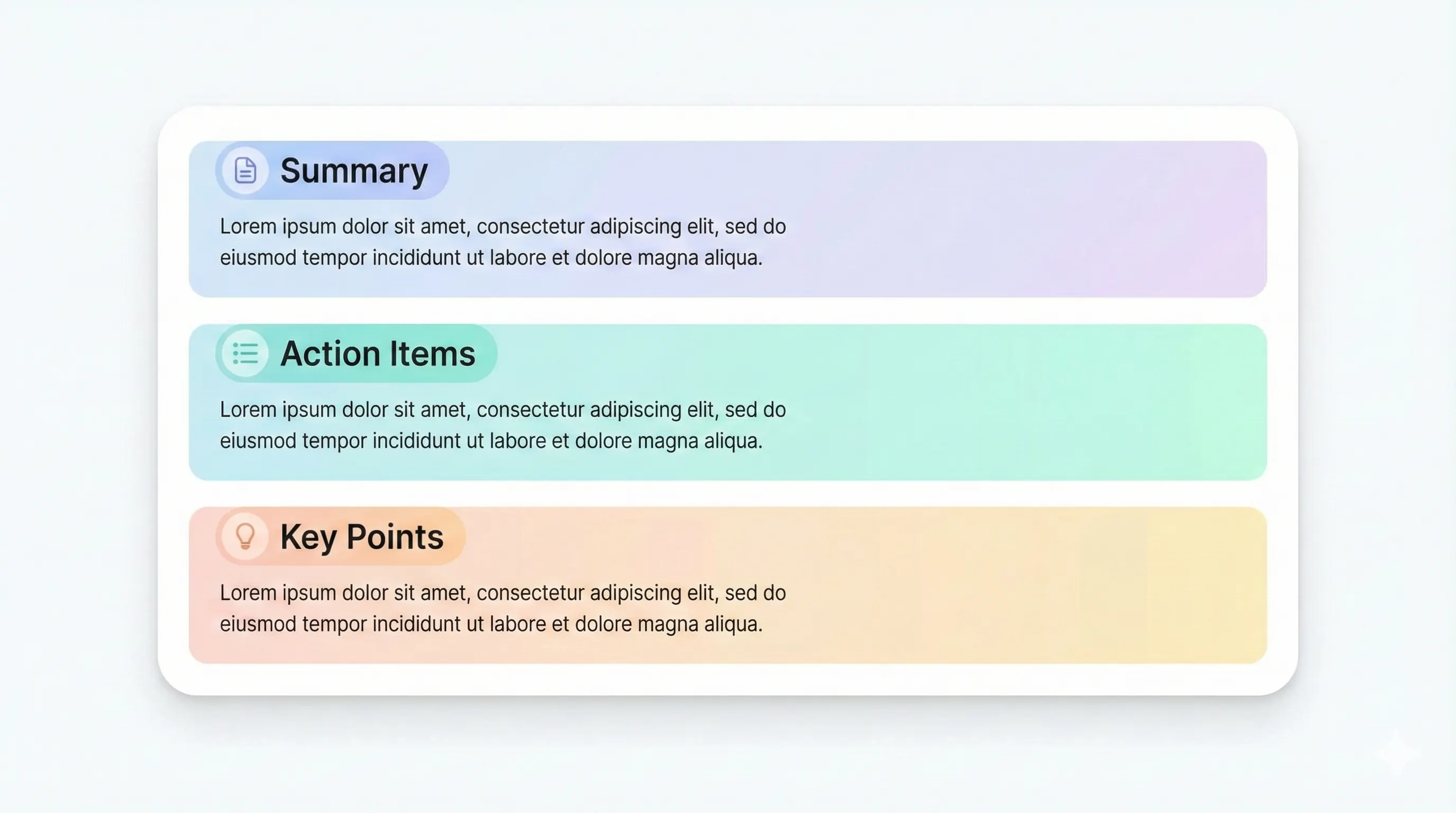
Your study kit, ready to export.
Each output is structured for quick review: headings, terms, and practice questions.
Compare plansHeadings that follow your PDF sections.
Quick definitions for recall.
Short recaps you can scan quickly.
Recall prompts with answers.
If your course material lives in PDFs, you need more than a quick summary. StudyKit is a study guide maker from PDF that restructures the text into a clear review format: an outline, key terms, summaries, and practice questions. The goal is to help you learn faster by reducing the time spent organizing notes. Upload a text-based PDF and the system extracts the material, maps it into sections, and produces a guide that reads like a curated study sheet rather than a raw AI dump.
PDFs are dense, and students often skim instead of organizing. StudyKit fixes that by using structure: each section is grouped by topic, then expanded into a short summary and key terms you can memorize. You also get practice questions that cover the most important ideas. This is especially useful for exam prep, where recall matters more than repetition. The guide keeps the same order as your source document, so it remains aligned to your professor or textbook.
The workflow is designed for speed. Upload the PDF, run the study guide, and export. No formatting required. Free users can download Markdown and paste into any note app, while Basic and Pro unlock PDF export for print-friendly packets. If you want flashcards or a quiz, you can generate those from the same upload without re-parsing the file.
This study guide maker is tuned for text-based PDFs in the MVP. If your PDF is scanned or image-only, the parser will show a clear message so you do not waste time. OCR support is on the roadmap, but for now you should export a text-based PDF from your source or copy it from a digital textbook. That ensures the system can read and structure your content properly.
For students, tutors, and study groups, a PDF-to-guide workflow is the fastest way to turn readings into actionable review material. StudyKit combines clean structure, exports, and optional flashcards into one path. If you want a study guide that mirrors your PDF content and stays easy to scan, this is the right format.
Preview a sample output in seconds.
No upload needed. Explore a pre-filled document and see the study guide structure instantly.
Quick answers.
Text-based PDFs work best. Scanned or image-only PDFs need OCR, which is planned for Phase 2.
Free supports up to 10 pages. Basic supports up to 50 pages, and Pro supports up to 150 pages.
Yes. The guide includes practice questions and short answers.
Free exports Markdown. Basic and Pro add PDF export.
Yes. You can try a sample guide without uploading a file.
Yes. The outline follows your source headings and sections.