Generate quizzes online from any PDF.
StudyKit turns text-based PDFs into quizzes with answers and explanations.
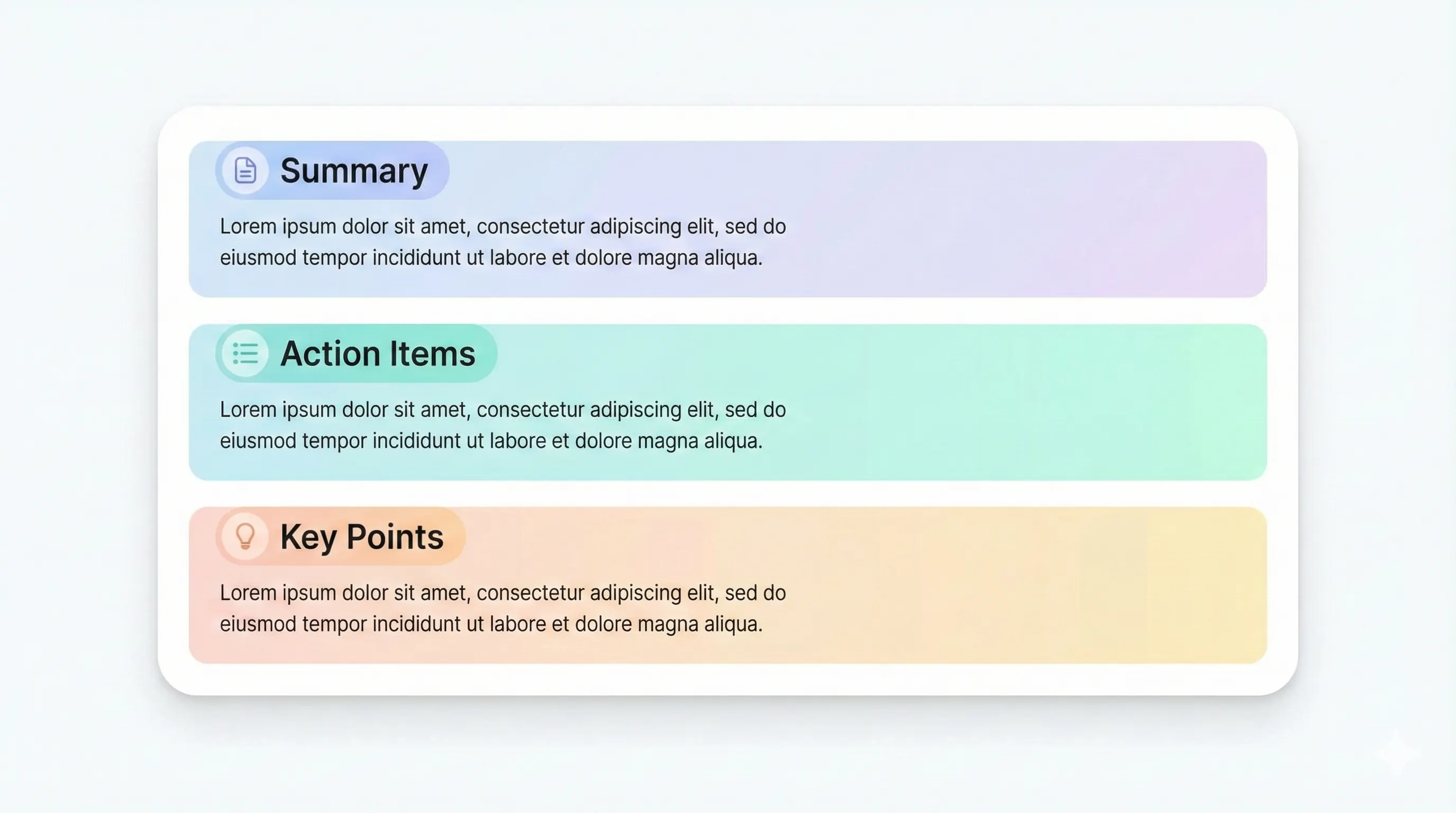
Three steps, clear outcomes.
Upload a PDF
Text-based PDFs parse quickly.
Generate the quiz
StudyKit builds balanced questions.
Export and review
Markdown or PDF exports.
Visual-first study workflows.
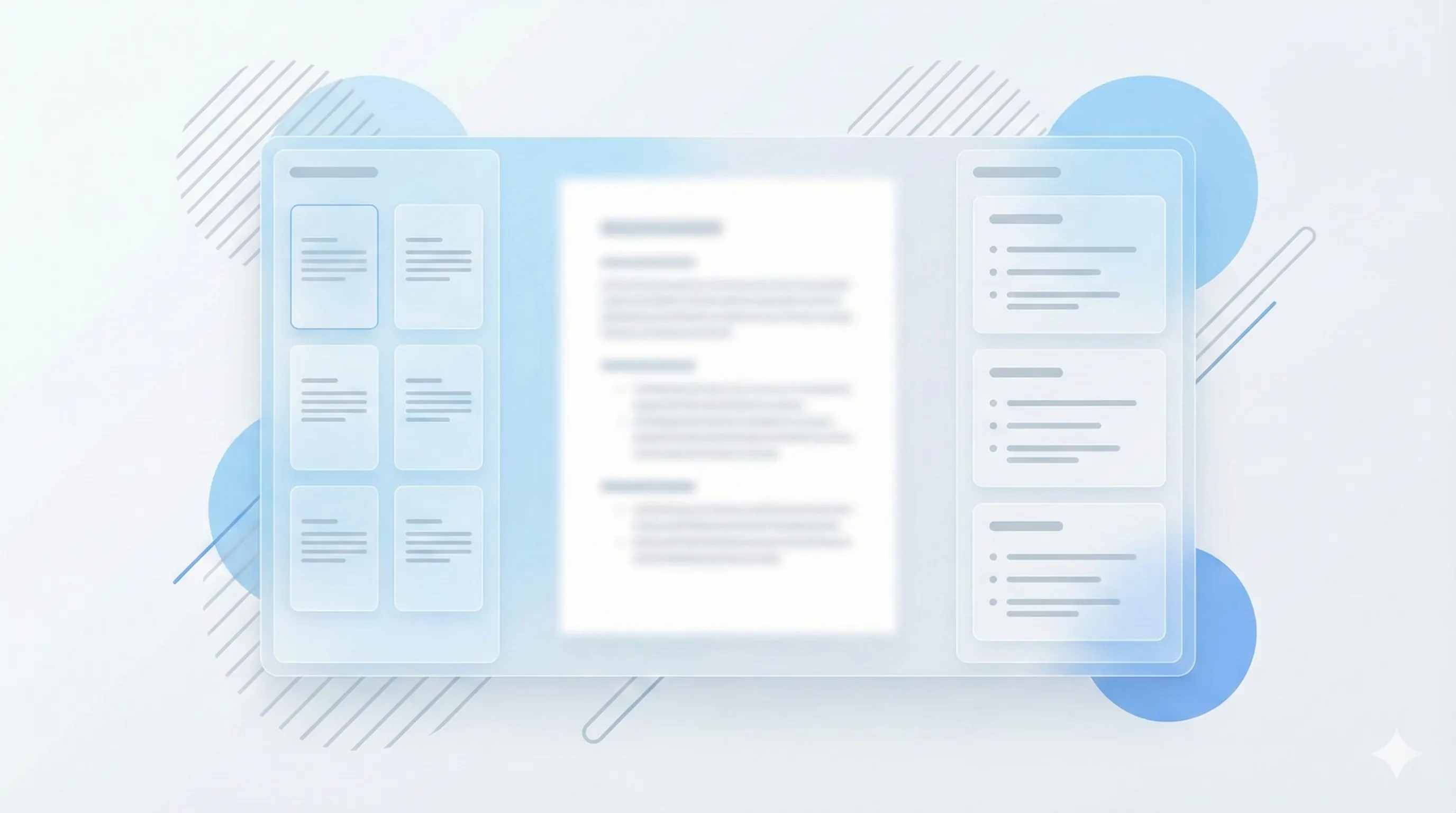
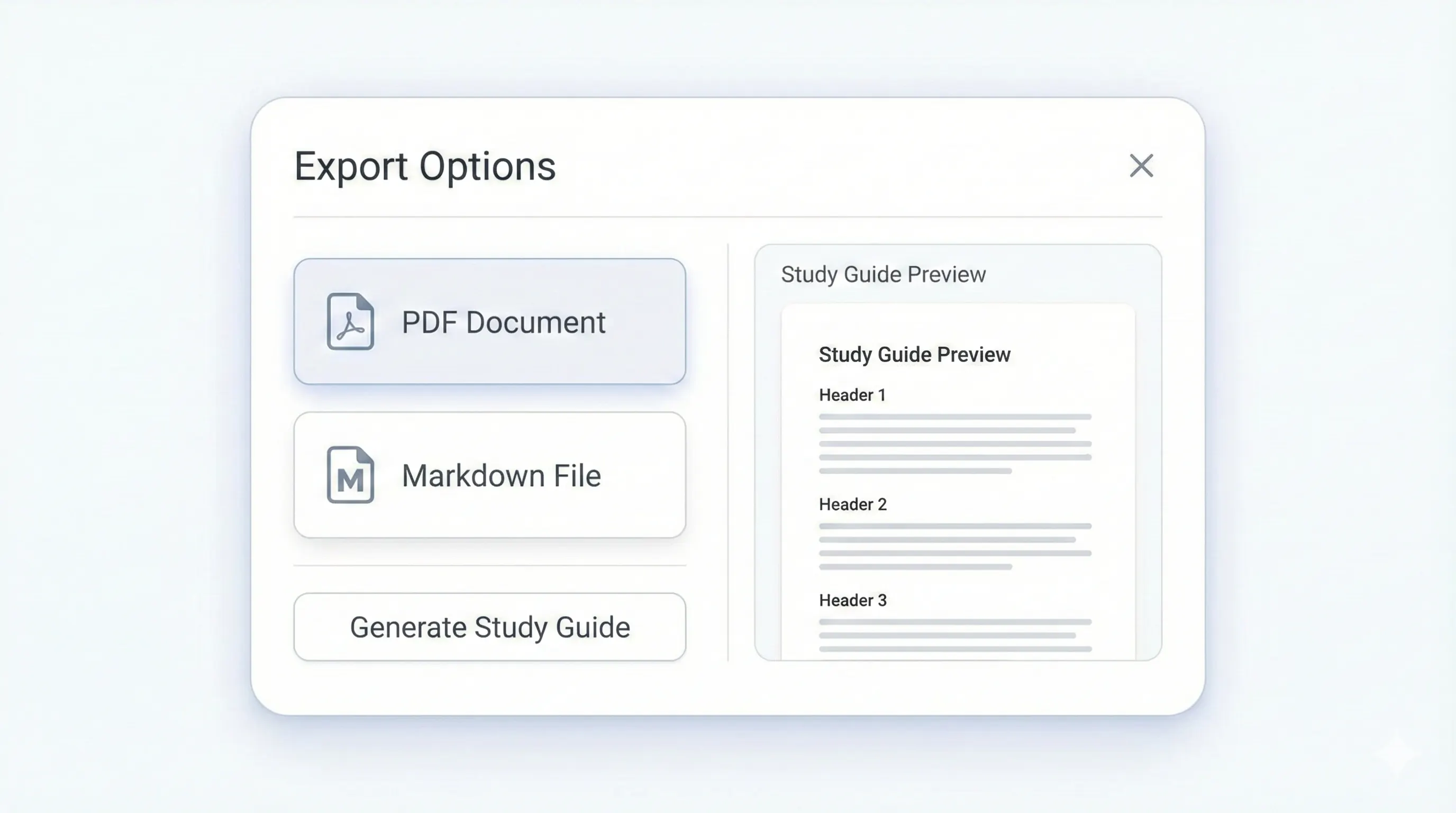
Your study kit, ready to export.
Each output is structured for quick review: headings, terms, and practice questions.
Compare plansQuick checks for main concepts.
Explain key ideas in your own words.
Clear solutions for every question.
Optional reasoning to reinforce learning.
StudyKit is a PDF to quiz online tool that turns text-based PDFs into structured quizzes with answers. Upload a PDF and get a mix of multiple choice and short answer questions aligned to the document’s key concepts. This is ideal for fast self-testing, study group sessions, or exam prep when you need to check understanding quickly. Because the tool is online, you can generate quizzes from any device without installing software.
The quiz output is designed for real review sessions. Questions are structured around the core topics in your PDF, and each question includes an answer with optional explanations. This gives you immediate feedback and helps reinforce the reasoning behind the correct choice. You can also use the same document to generate flashcards or a study guide when you need different study formats.
StudyKit supports text-based PDFs in the MVP. If your PDF is scanned or image-only, the system will show a warning to avoid empty output. OCR support is planned for Phase 2, but most digital readings and lecture handouts already contain selectable text. That ensures the online quiz generator can extract the material and build accurate questions.
Export options make quizzes easy to share. Free users can download Markdown, while Basic and Pro unlock PDF export for print review or sharing with classmates. You can run the same quiz in different formats depending on your workflow, without re-uploading the PDF.
If you want a PDF to quiz online tool that is fast, structured, and aligned to your materials, StudyKit provides a clean workflow and practical outputs for study sessions.
Preview a sample output in seconds.
No upload needed. Explore a pre-filled document and see the study guide structure instantly.
Quick answers.
Yes. StudyKit runs in your browser with no installs.
Text-based PDFs work best. Scanned PDFs need OCR in Phase 2.
Yes. Each question includes an answer and explanation when available.
Free exports to Markdown. Basic and Pro add PDF export.
Yes. Flashcards and study guides can be generated from the same upload.
Yes. Try a sample without uploading a file.