Build exam-ready study guides from PDFs.
StudyKit creates structured guides with outlines, key terms, summaries, and practice questions.
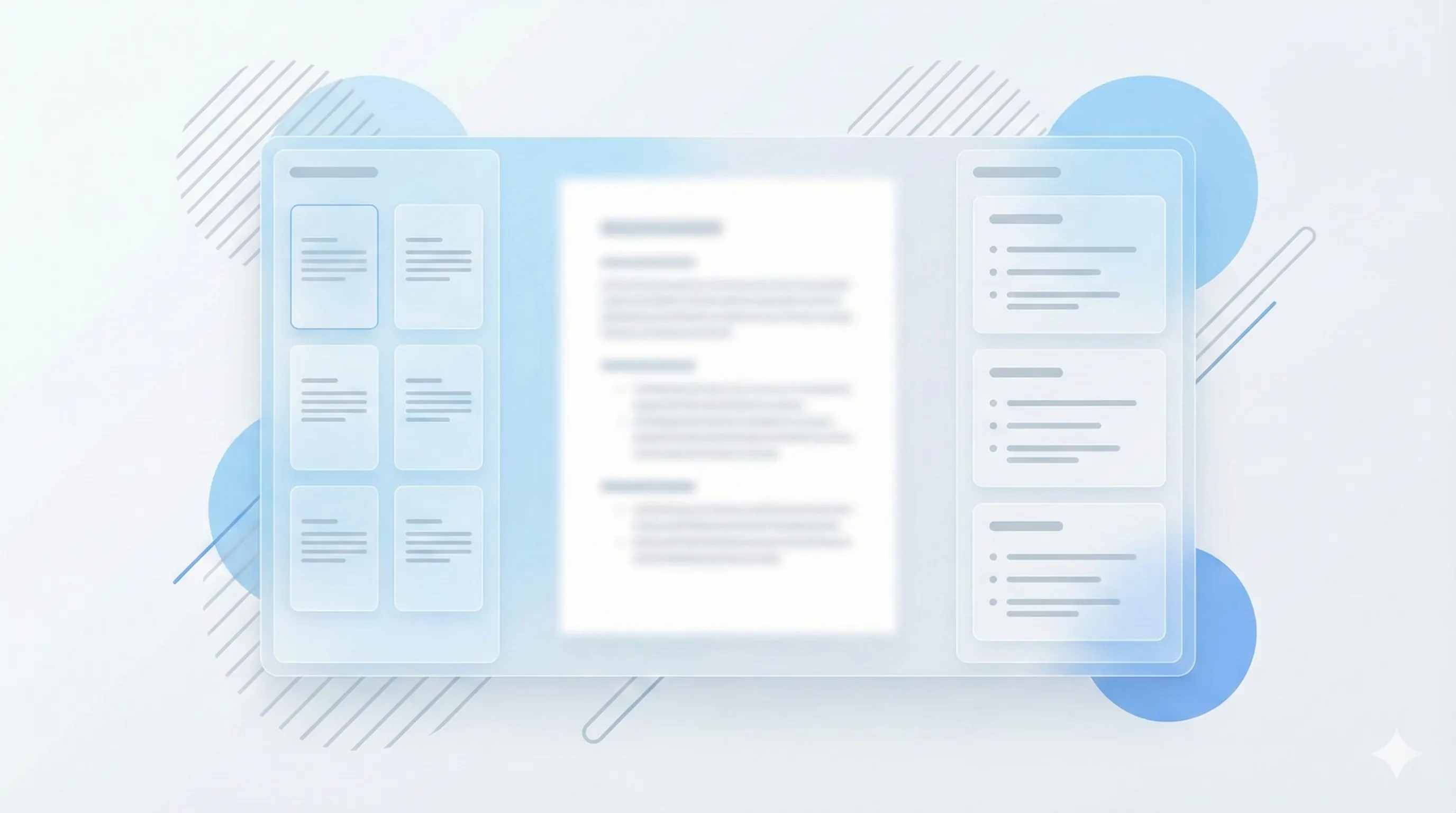
Three steps, clear outcomes.
Upload your PDF
Text-based PDFs parse fast.
Generate the guide
StudyKit structures the key topics.
Review and export
Markdown or PDF for exams.
Visual-first study workflows.
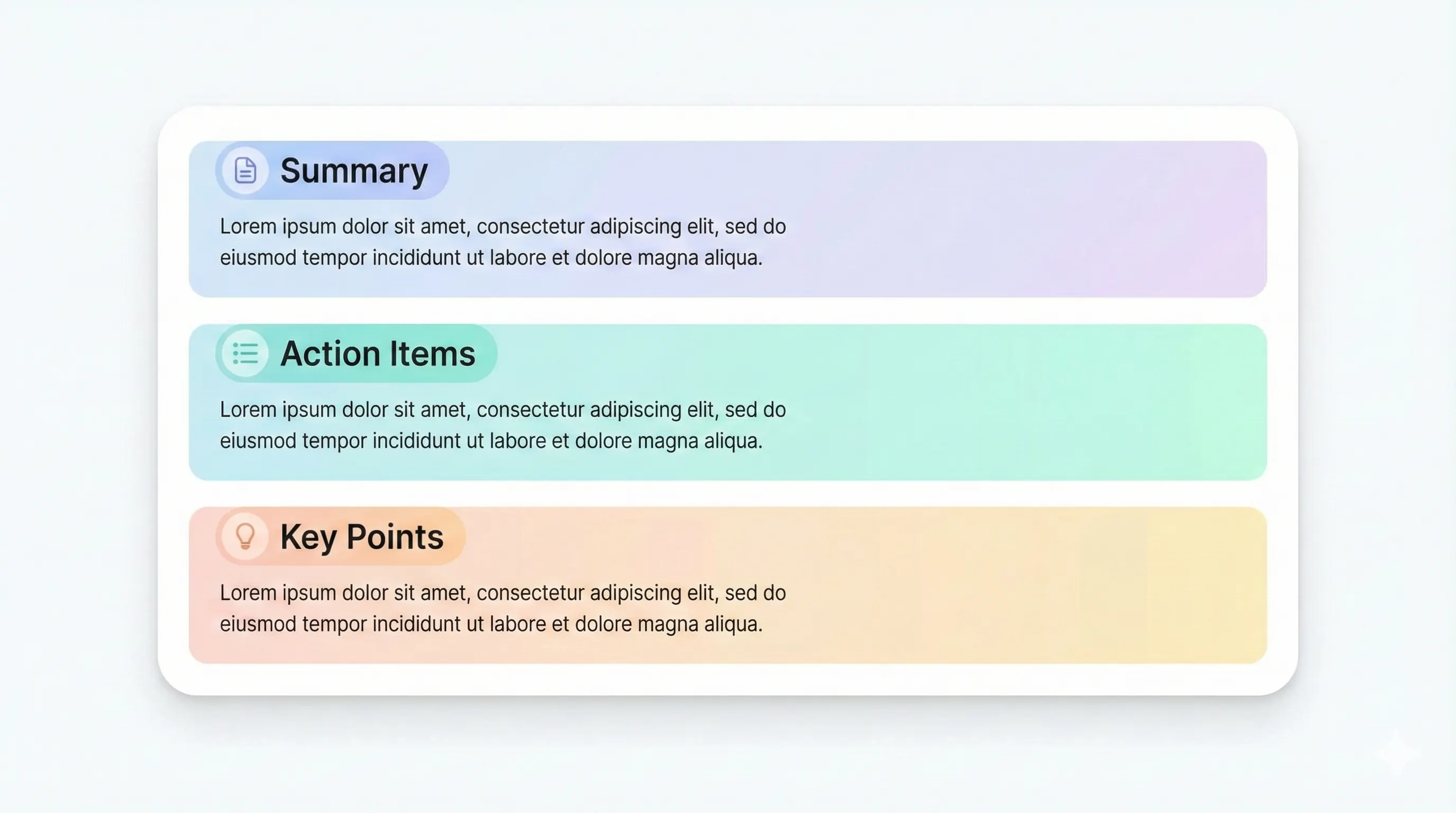
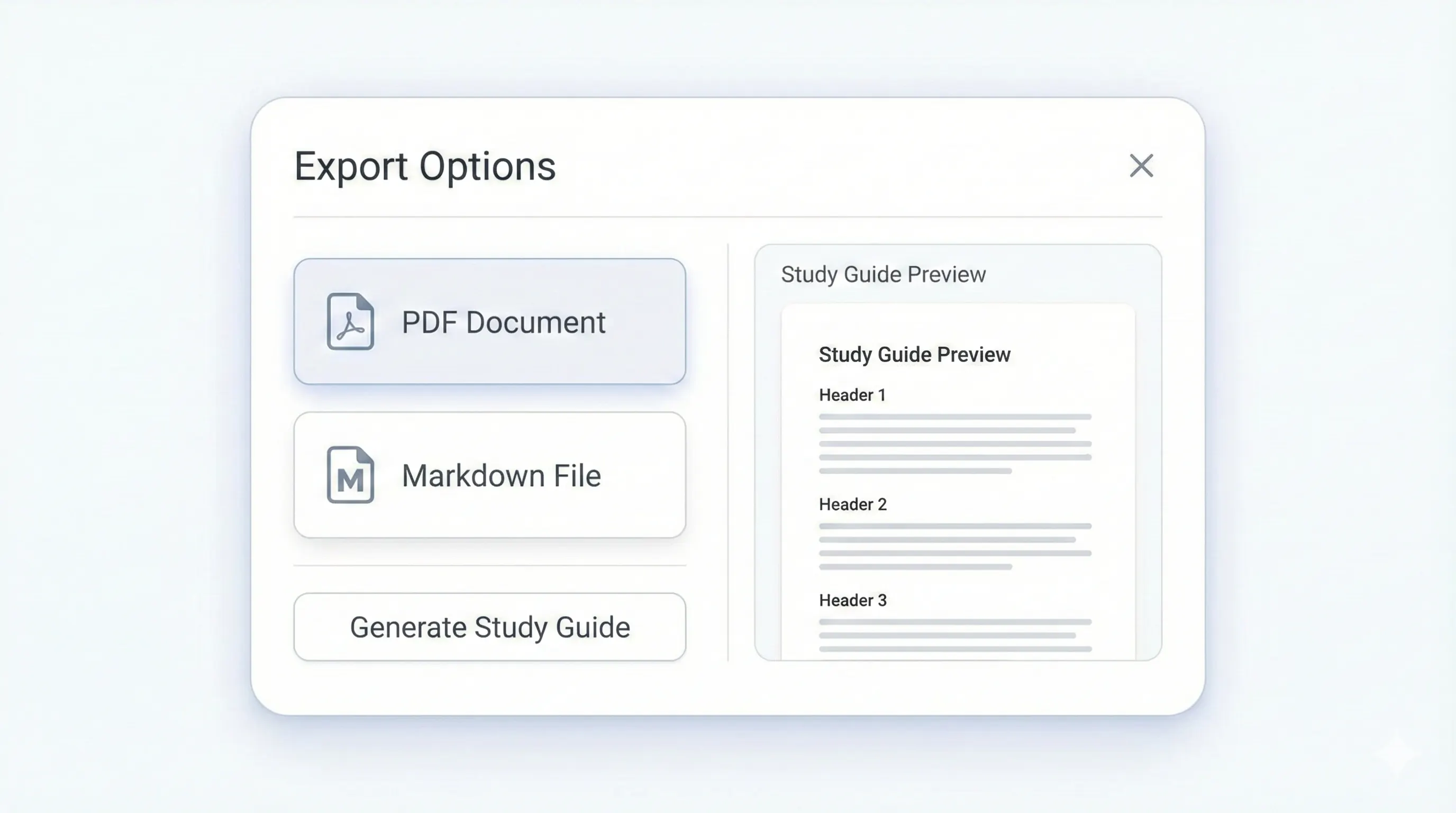
Your study kit, ready to export.
Each output is structured for quick review: headings, terms, and practice questions.
Compare plansPrioritized sections for review.
Definitions for memorization.
Quick section recaps.
Active recall prompts.
Exam prep is about focus, not volume. StudyKit turns PDFs into study guides for exams by extracting the most important material and organizing it into a clear review structure. Upload a text-based PDF and get an outline, key terms, summaries, and practice questions in minutes. This format helps you review the right content quickly instead of rereading entire chapters.
The study guide is designed around active recall. Each section ends with a recap, and practice questions help you check understanding. Key terms are pulled out for fast memorization. This makes the guide useful during the final days before an exam, when you need to scan, review, and test yourself quickly. The structure keeps you aligned with the original PDF so it still matches your professor’s coverage.
StudyKit supports text-based PDFs in the MVP. If your file is scanned or image-only, you will see a clear warning instead of an empty output. OCR support is planned for Phase 2, but most exam handouts and textbook excerpts already include selectable text. Exporting a text-based PDF ensures the guide is accurate and complete.
For exam sessions, export matters. Free users can download Markdown and paste into a notes app, while Basic and Pro unlock PDF export for print review. You can also generate flashcards and quizzes from the same PDF to build a full exam study kit without extra prep time.
If your goal is to build an exam-ready study guide from a PDF, StudyKit provides a repeatable workflow with structure, practice, and clear exports. It is built to reduce the time between reading and real review.
Preview a sample output in seconds.
No upload needed. Explore a pre-filled document and see the study guide structure instantly.
Quick answers.
Yes. StudyKit builds structured guides and practice questions optimized for review sessions.
Text-based PDFs work best. Scanned PDFs need OCR in Phase 2.
Yes. Each guide includes practice questions and short answers.
Basic and Pro include PDF export. Free exports to Markdown.
Free supports 10 pages, Basic supports 50, and Pro supports 150 pages.
Yes. Try a sample guide without uploading a file.